You can easily sideload your Windows Rugged device through the AirWatch Sideload Staging Utility. The utility simplifies the process of installing a sideloading package onto the device with simple step-by-step instructions.
-
Download the "AirWatch Windows Mobile/CE Side loader Utility" from the myWorkspaceONE documentation repository.
The download URL is https://customerconnect.omnissa.com/downloads/#all_products.
-
Install the utility after the download completes.
-
Start the AirWatch Side loader Utility after the installation finishes.
-
Connect the device to your computer.
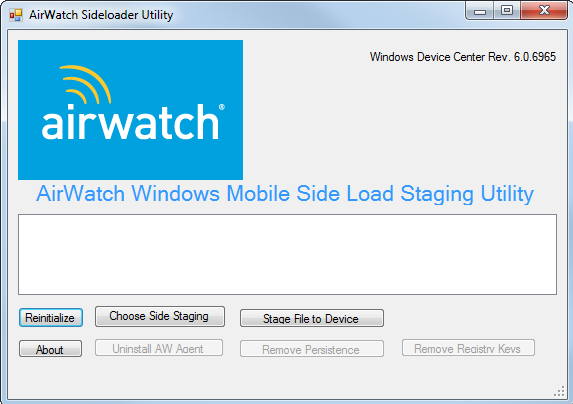
The Choose Side Staging and Stage File to Device buttons become available for use after the utility detects the device connection.
-
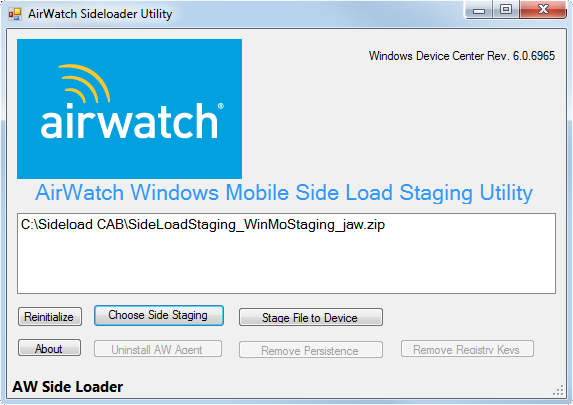
Select Choose Side Staging and select the ZIP file you want to stage to a device.
-
Select Stage File to Device and begin staging the device.
The ZIP file unzips, folders and directories are created, and the CAB file installs.
Was this page helpful?