If you decide not to use Omnissa Identity Service after enabling it from the Omnissa Connect console, you can deactivate it. After deactivating Omnissa Identity Service, you can set up directory provisioning and federated authentication from Omnissa services such as Workspace ONE UEM and Omnissa Access directly.
If you have already created a directory, you must delete it before you can deactivate Omnissa Identity Service.
Note: If you have already created a directory and selected Workspace ONE UEM as one of the services to use with Omnissa Identity Service, you cannot deactivate Omnissa Identity Service from the Omnissa Connect console. Contact Support for help.
Procedure
-
Navigate to Omnissa Identity Service.
- Cloud: Log in to the Omnissa Connect console, select Identity Management > End User Management from the left pane, then click Launch End User Management.
- On premises: Log in to the Omnissa Access console, select Integrations > Identity Service, then click Configure SCIM Provisioning.
Omnissa Identity Service opens in a new tab in the browser.
-
Deactivate Omnissa Identity Service.
-
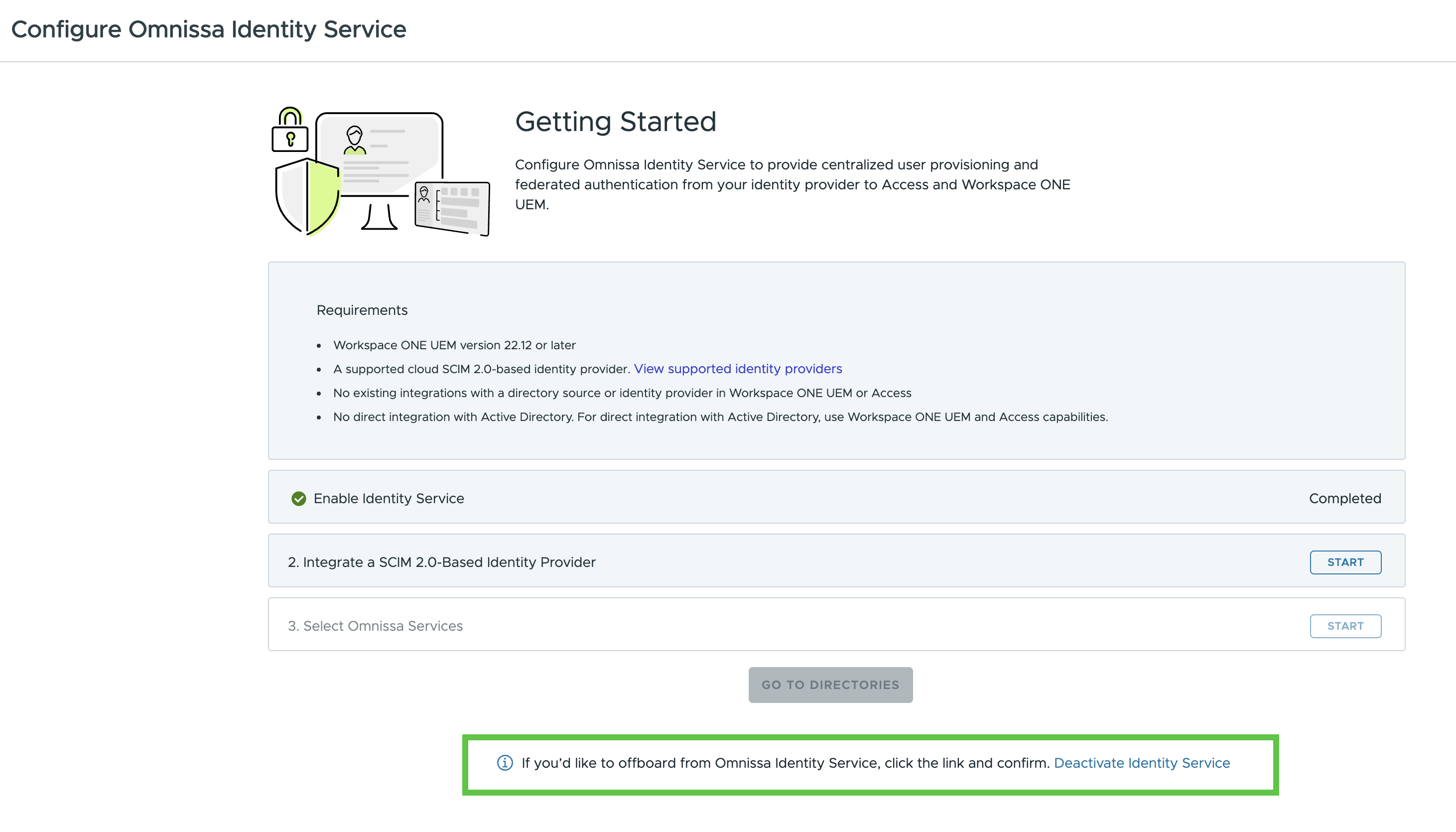
If you have not yet created a directory, click the Deactivate Identity Service link at the bottom of the Getting Started page, and confirm your selection.
-
If you have already created a directory, you must delete it before you can deactivate Omnissa Identity Service.
Caution: Deleting a directory is a permanent action that cannot be undone. See Deleting a Provisioned Directory for the implications of deleting a directory.
-
Click View on the directory card.
-
Click Delete to delete the directory.
-
Click the Deactivate Identity Service link at the bottom of the page.

-
Confirm your selection.
-
-
If you have already created a directory and selected Workspace ONE UEM as one of the services to use with Omnissa Identity Service, you cannot deactivate Omnissa Identity Service from the Omnissa Connect console. Contact Support for help.
-
Results
After you deactivate Omnissa Identity Service, you can configure your directory in the Omnissa services. Directory and identity provider settings are no longer read-only.
Was this page helpful?