Select View Device Assignment on the Assignment tab while configuring a compliance policy to display the View Device Assignment page in Workspace ONE UEM. This page confirms devices affected (or unaffected) by the compliance policy assigned.
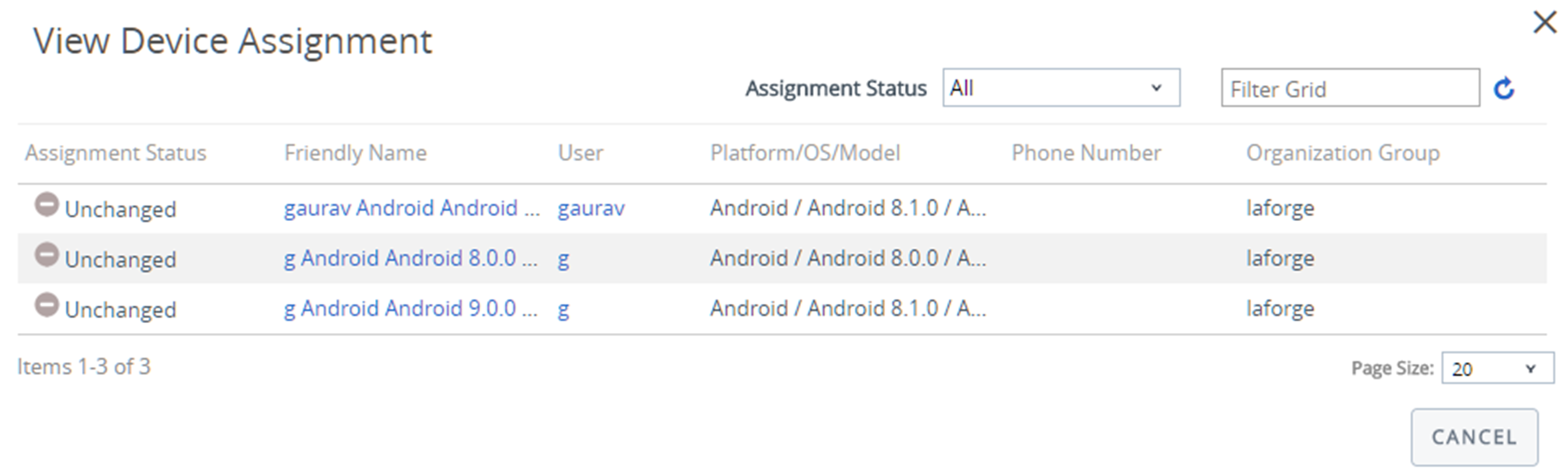
The Assignment Status column displays the following entries for the devices that appear in the listing.
- Added – The compliance policy is added to the listed device.
- Removed – The compliance policy is removed from the device.
- Unchanged – The device remains unaffected by the changes made to the compliance policy.
Select Publish to finalize the changes and, if necessary, republish any compliance policy.
Was this page helpful?