You configure Just-in-Time user provisioning for a third-party identity provider while creating or updating the identity provider in the Omnissa Access service.
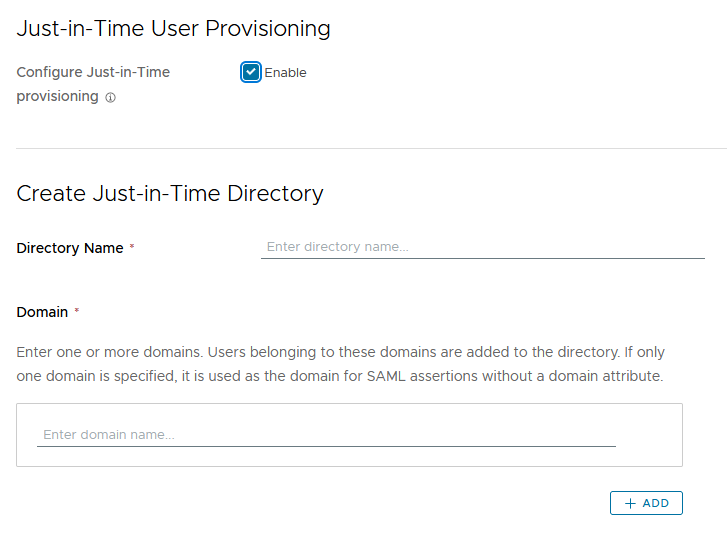
When you enable Just-in-Time provisioning, you create a new Just-in-Time directory and specify one or more domains for it. Users belonging to these domains are added to the directory.
You must specify at least one domain. The domain name must be unique across all the directories in the Omnissa Access service. If you specify multiple domains, SAML assertions must include the domain attribute. If you specify a single domain, it is used as the domain for SAML assertions without a domain attribute. If a domain attribute is specified, its value must match one of the domains otherwise login fails.
Procedure
-
Log in to the Omnissa Access console.
-
Click Integrations > Identity Providers
-
Click Add or select to create either a SAML IDP or an OpenID Connect IDP to add.
-
In the Just-in-Time User Provisioning section, click Enable.
-
Specify the directory name and one or more domains.
Note: The domain names must be unique across all directories in the tenant.
For example:
-
Complete the rest of the page and click Add or Save.
Was this page helpful?