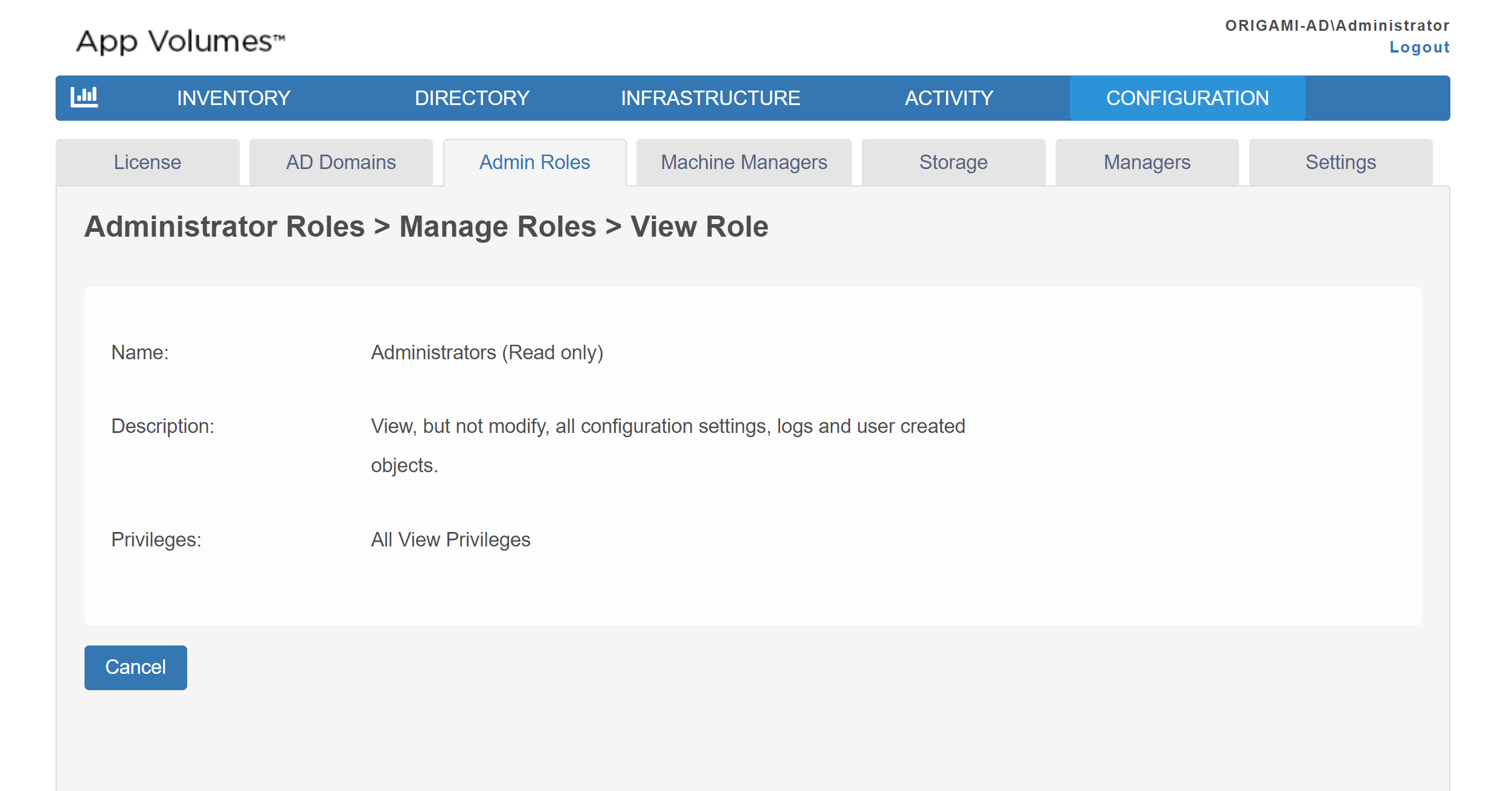
In App Volumes Manager, you can view the details of either a built-in role or a custom role using the Manage Role functionality. Details such as role name, description, and privileges are displayed on the corresponding page.
Procedure
-
From App Volumes Manager, click CONFIGURATION > Admin Roles > Manage Roles.
A list of built-in roles and any custom roles that you have created is displayed.
-
To view information about the role, select the role and click Show.
All details associated with the role are displayed.
Was this page helpful?