You can view and collect Omnissa Horizon Client logs for troubleshooting.
View Client Logs
-
Horizon Client logs are available in the
VDM\Logs\directory nested under%LOCALAPPDATA%. -
Log lines that include specific error information about Omnissa Horizon Blast connection failures contain the
Blast_Connect_Failure_Alerttag. -
RTAV agent logs are saved in the file
rtav_agent_[blast|pcoip]_sessionsession_id.log -
RTAV client logs are saved in the file
rtav_YYYY-MM-DD_hhmmss-ms_pid_sid.log
Collect Client Logs
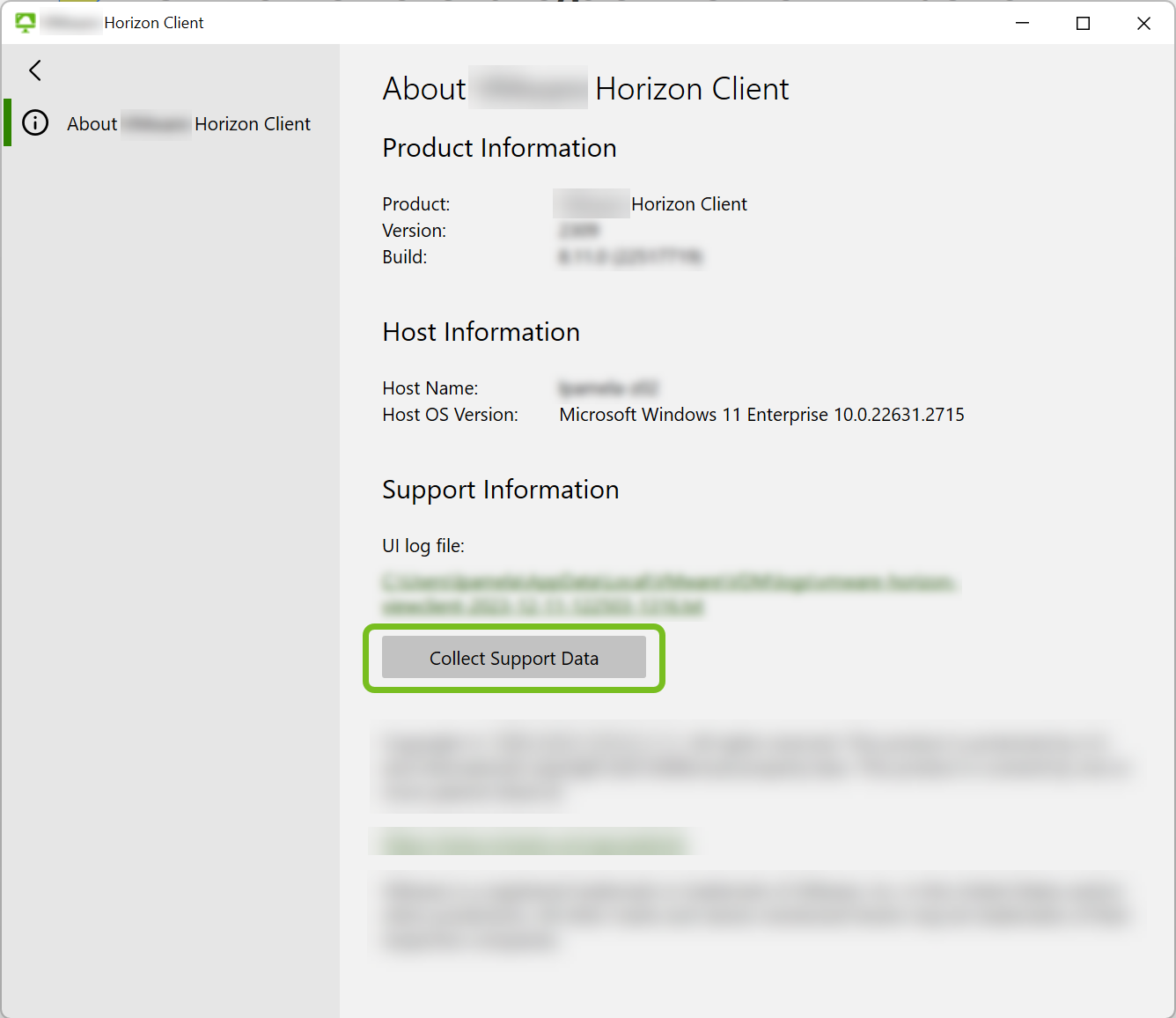
You can gather the various client logs into a single packaged file by running the log collection script from the About Horizon Client window.
-
In Horizon Client, click the options menu (… icon) in the upper-right corner of the menu bar and select About Horizon Client.
-
In the About Horizon Client window, select Collect Support Data.
-
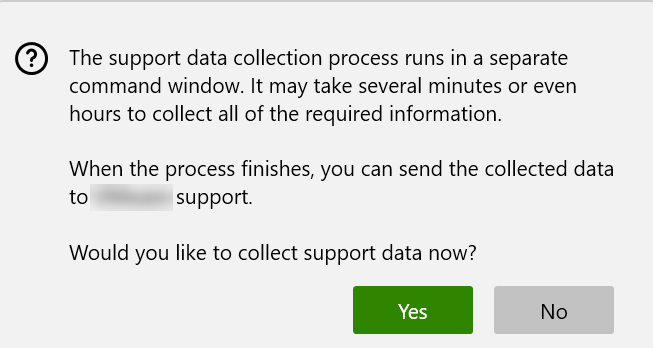
At the confirmation message, select Yes to start the log collection process.
-
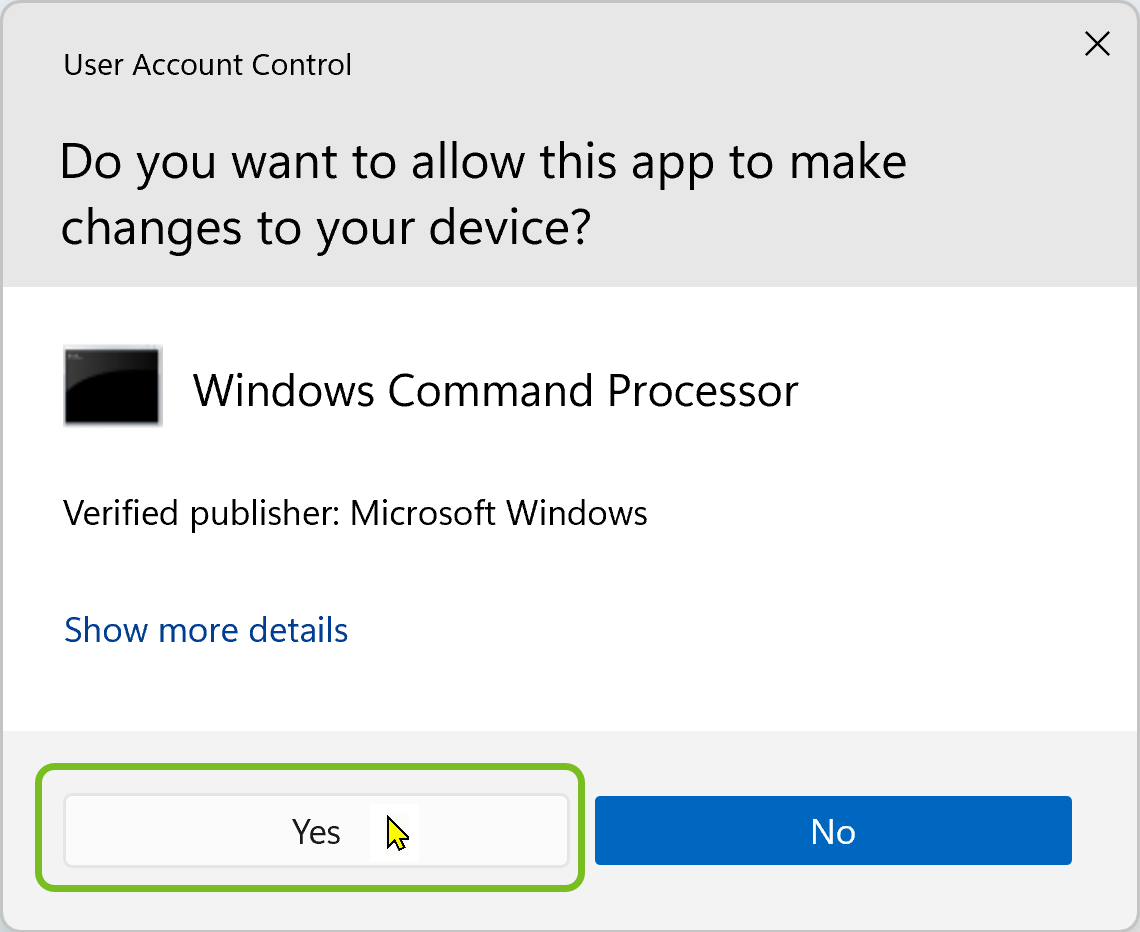
At the prompt asking you to give the Windows Command Processor change permissions, select Yes.
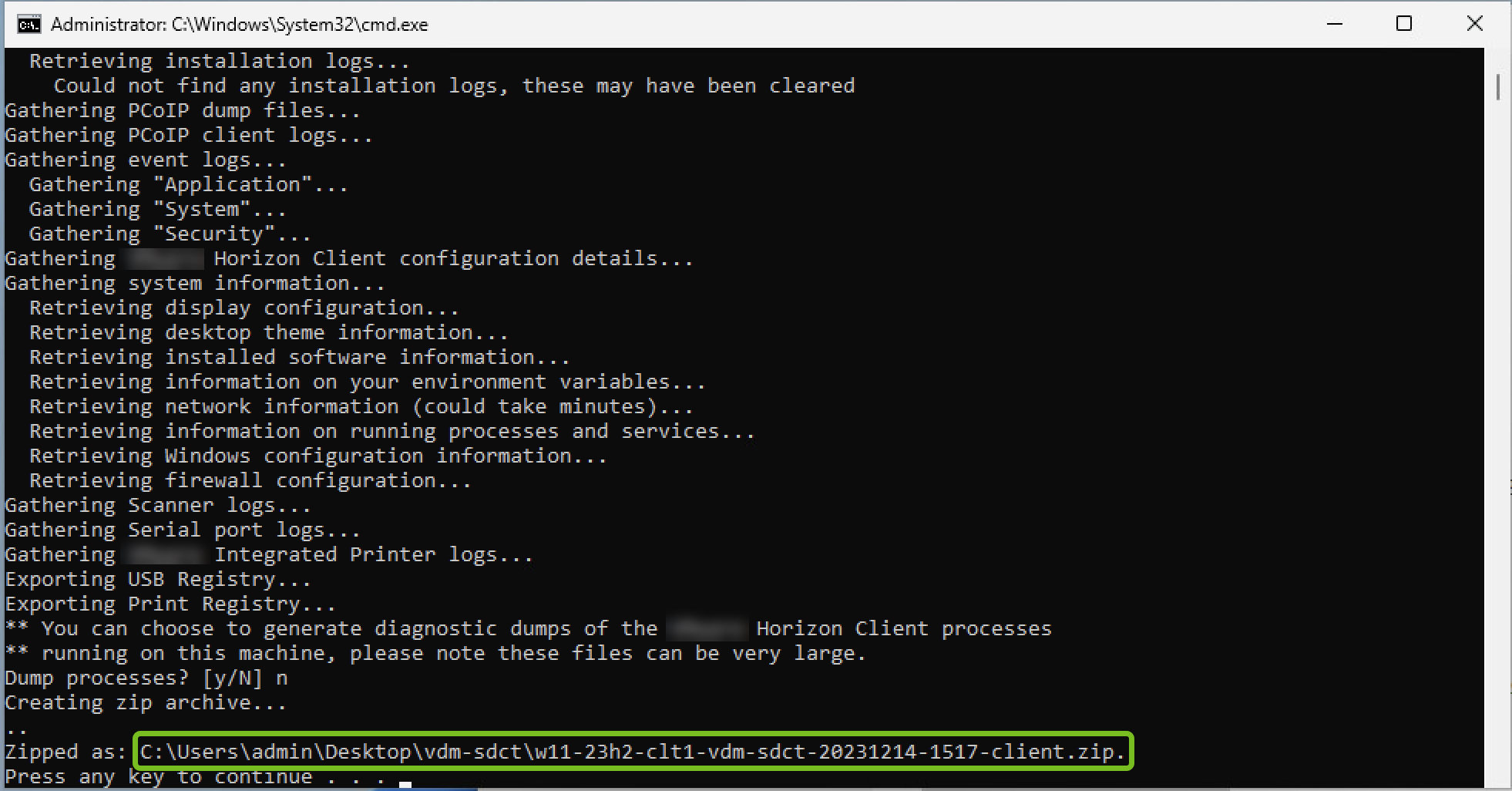
Allow the log collection to proceed in the separate terminal window.
-
As needed, respond to the prompts displayed in the terminal during the log collection process.
-
When the process is complete, note the location of the packaged log file displayed in the terminal.
Was this page helpful?