You can quickly see that services you deployed are configured, up and running successfully from the admin UI for Edge Settings.
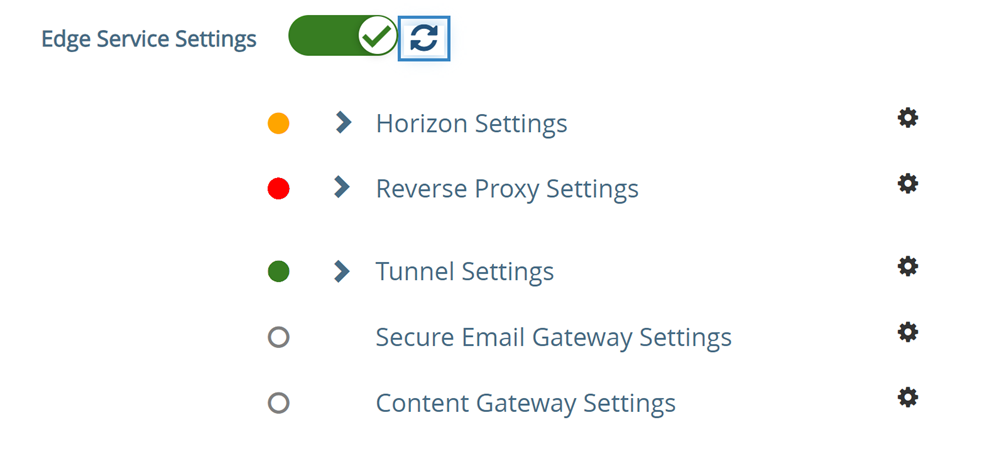
A circle displays before the service. The color coding is as follows.
- Blank circle - The setting is not configured.
- A red circle - service is down.
- An amber circle - The service is partially running.
- A green circle - The service is running without any issues.
Was this page helpful?