Omnissa Identity Service, a service for integrating Omnissa products and services with third-party cloud-based identity providers such as Microsoft Entra ID or Okta for user provisioning and identity federation, is bundled with Omnissa Access 26.07 and later on premises. When you install Omnissa Access, Identity Service is installed by default.
If you configure Identity Service, users and groups are provisioned from your identity provider to the Identity Service directory using SCIM 2.0. Identity Service then provisions them to the Omnissa services you select, such as Workspace ONE UEM and Omnissa Access. Directory settings in individual services become read-only.
You access Identity Service from the Omnissa Access console by navigating to Integrations > Identity Service.
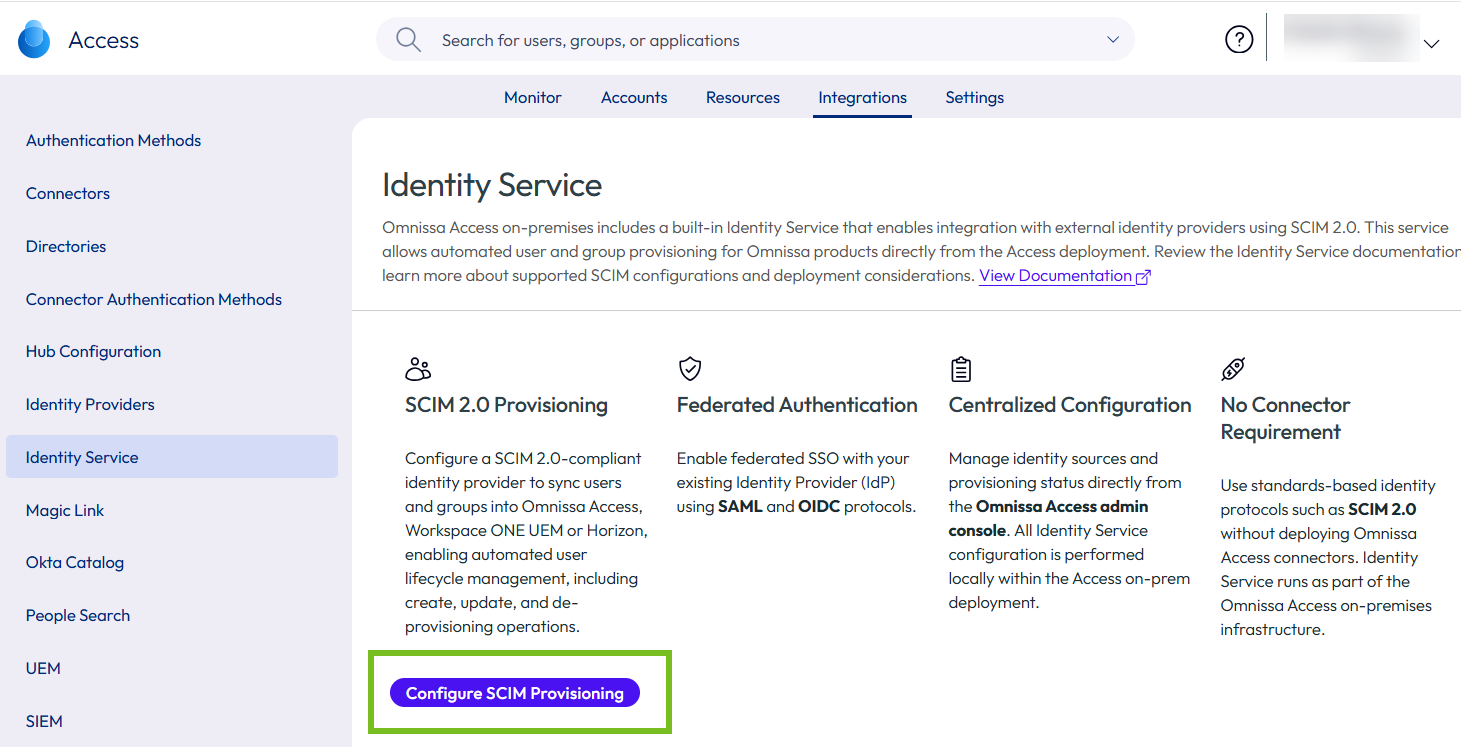
Configuring Omnissa Access is a three-step process:
- Enable Identity Service: Activate Identity Service for your Omnissa Access deployment.
- Integrate a SCIM 2.0-Based Identity Provider: Connect your identity provider and configure user provisioning and federated authentication.
- Select Omnissa Services: Select the Omnissa services, such as Workspace ONE UEM, to which users will be provisioned.
Important: After Omnissa Identity Service is enabled in Omnissa Access, all local administrators must append /localadmin to the Omnissa Access URL to log in to the Omnissa Access console (for Omnissa Access or Omnissa Identity Service administration). This requirement also applies to any existing Omnissa Access local administrators, including the default administrator created at installation.
For more information about Omnissa Identity Service, including prerequisites, requirements, and configuration instructions, see Configuring User Provisioning and Identity Federation with Omnissa Identity Service.
Was this page helpful?