You set up password authentication when you create a directory in the Omnissa Access service. You can set it up later from the Integrations > Connector Authentication Methods section in the Omnissa Access console.
When you configure Password authentication, you select the directory types that correspond to the Directory Sync services directory types you configured for the directory.
Password (cloud deployment) authentication validates the user name and password against your enterprise directory
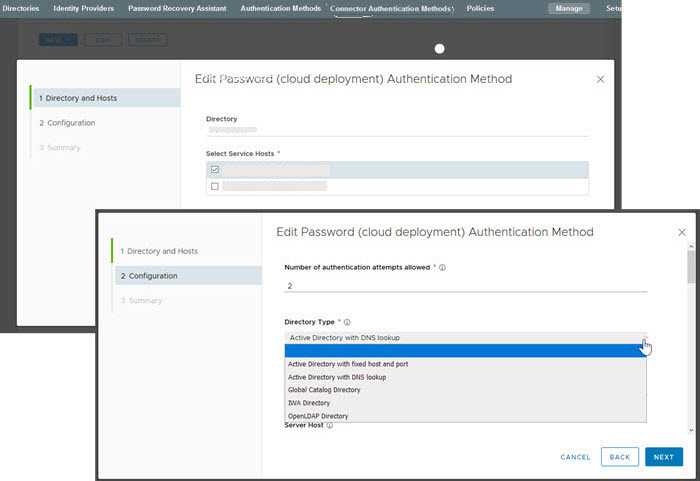
Directory Types
| Directory Sync Type | Select One of These Password Directory Types |
|---|---|
| Active Directory over LDAP/IWA |
|
| LDAP Directory | LDAP Directory. A directory that was created to integrate with your enterprise LDAP directory. |
Was this page helpful?