After the first ADE profile is initially created, create profiles quickly without having to return to the ADE wizard. This allows you to create multiple profiles to use for different deployments.
To create and push ADE profile:
- Navigate to Groups & Settings > All Settings > Devices & Users > Apple > Automated Device Enrollment. Since you already configured a ADE profile using the Omnissa Workspace ONE UEM Setup Wizard, a new screen displays.
- Select Add Profile.
- Configure the settings for a new ADE profile, as described when using when using the profile wizard earlier.
- Save the profile. This profile is added to the list of other profiles.
- From the Default Profile Assigned for Newly Synced Devices menu, select the ADE profile you want to automatically assign to all devices upon being synced into Workspace ONE UEM. If you do not wish to push a ADE profile to new devices, select None.
Edit an Existing ADE Profile
Modify existing ADE profiles to more closely meet the needs of your organization or deployment.
To edit an existing ADE profile:
- Navigate to Settings > Devices & Users > Apple > Automated Device Enrollment. The ADE profiles you have already created appear.
- Select the pencil icon to edit the profile. The Edit Profile window appears.
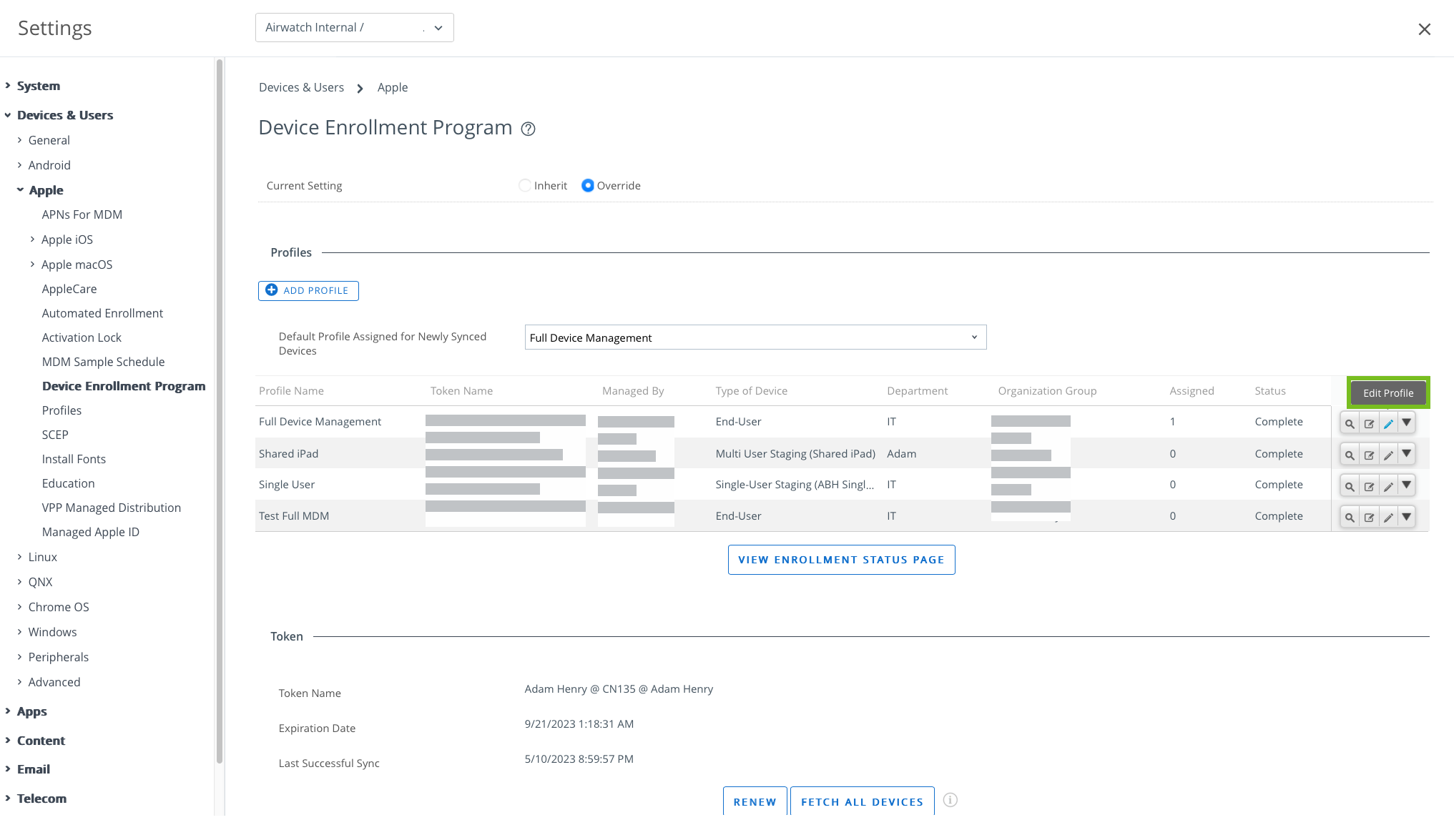
- Edit the ADE profile settings from this window. Settings are not applied until the changes register during the Setup Assistant.
- Select Save.
Manually Assign or Remove a ADE Profile
For Apple School Manager deployments, you must assign profiles to the appropriate devices after creating them for both Shared iPad and one-to-one configurations.
- Navigate to Devices > Lifecycle > Enrollment Status.
- Select the devices needed for the action.
- Select the More Actions > ADE Profile and select one of the following options:
- Assign Profile – Assign new or additional ADE profiles to selected devices. The ADE profile is not updated on a device until the device is factory wiped or re-connected to Wi-Fi.
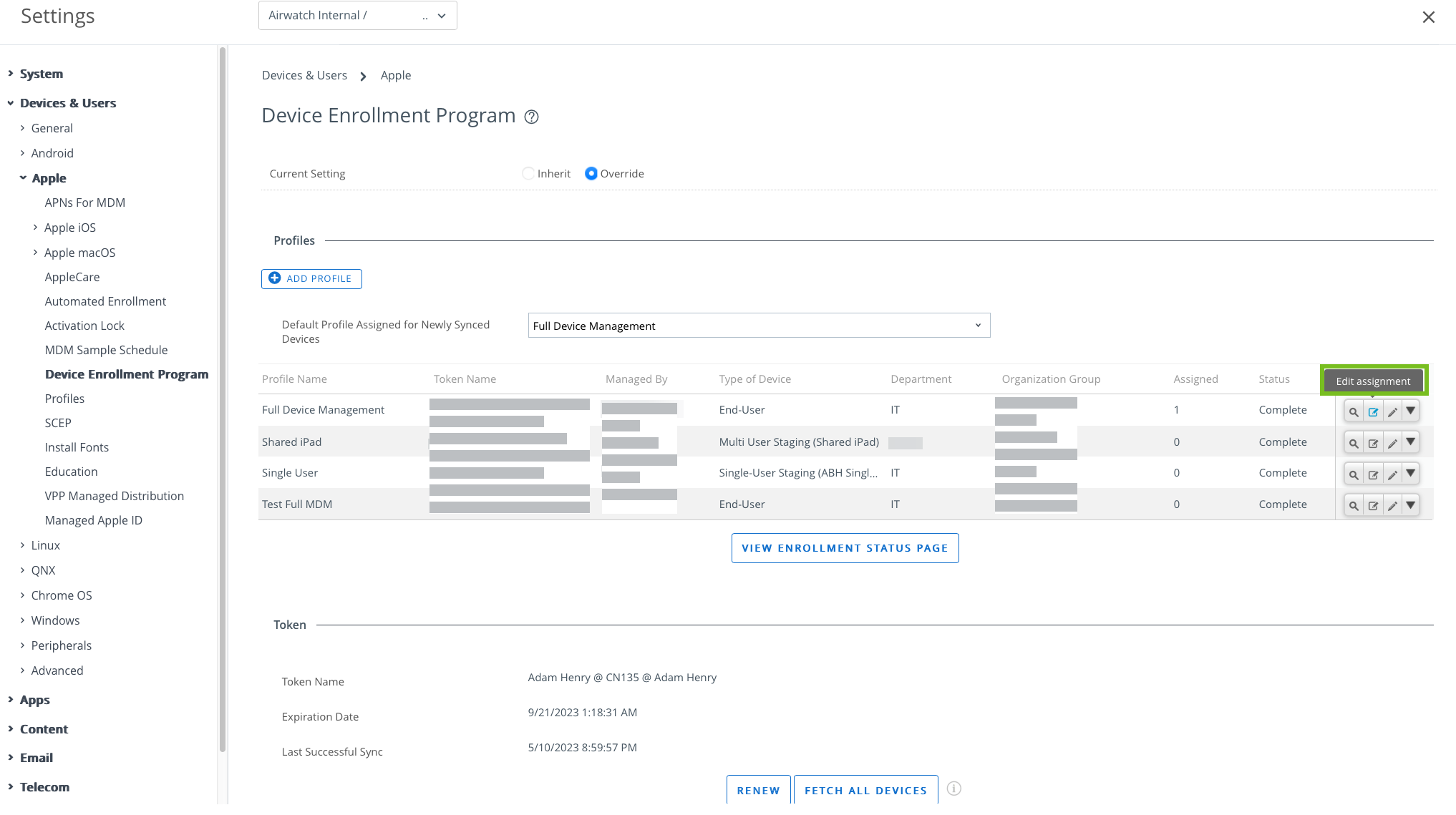
- Remove Profile – Removes existing ADE profiles from selected devices.
- Assign Profile – Assign new or additional ADE profiles to selected devices. The ADE profile is not updated on a device until the device is factory wiped or re-connected to Wi-Fi.
Was this page helpful?