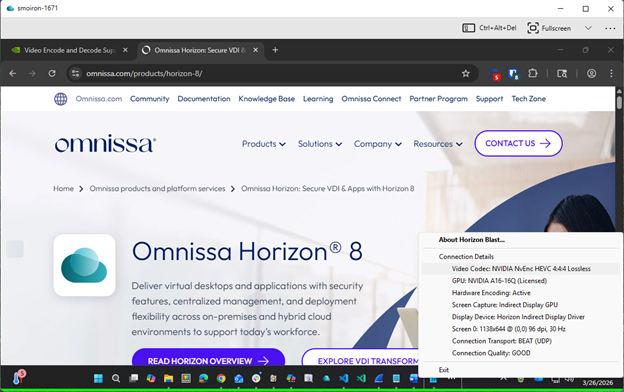
End users might benefit from a visual client-side indicator (Lossless Indicator) that confirms lossless mode is enabled and active.
To enable the Lossless Indicator, update the client configuration file as shown below:
%APPDATA%\Omnissa\config.ini
RemoteDisplay.showLosslessIndicator=1
The lossless indicator, a subtle and unobtrusive colored line at the bottom of the window or application, can be customized in the same configuration file:
-
Indicator thickness (up to 10 pixels):
viewClient.losslessHeight=10 -
Indicator color (ARGB value):
viewClient.losslessColor=0x8800FF00
Example:
Was this page helpful?