After completing the Integrate a SCIM 2.0-Based Identity Provider step of the Omnissa Identity Service Getting Started wizard, select the Omnissa services that you want to integrate with the generic SCIM 2.0 identity provider through Omnissa Identity Service. Omnissa Identity Service currently supports Omnissa Access and Workspace ONE UEM with generic identity providers.
Important: Do not select Horizon Cloud if you integrated Omnissa Identity Service with a generic SCIM 2.0 identity provider.
Caution: After you select a service and save your selection, you cannot deselect it without calling Support. Select the services after careful consideration. When you select a service, directory integration for that service will be managed by Omnissa Identity Service. You will not be able to configure directories directly in the service.
Procedure
-
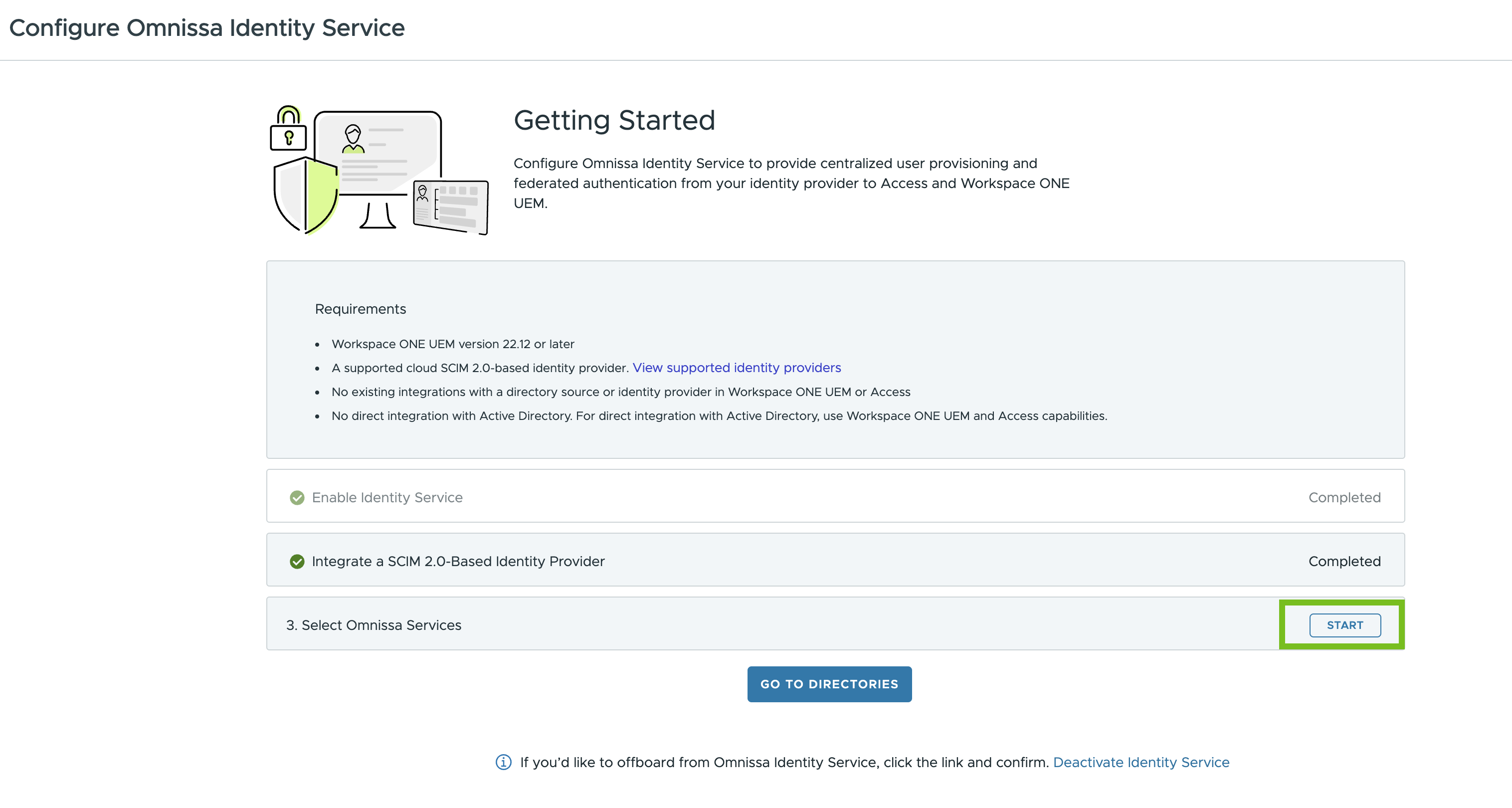
In the Omnissa Identity Service Getting Started wizard, click Start in step 3, Select Omnissa Services.
-
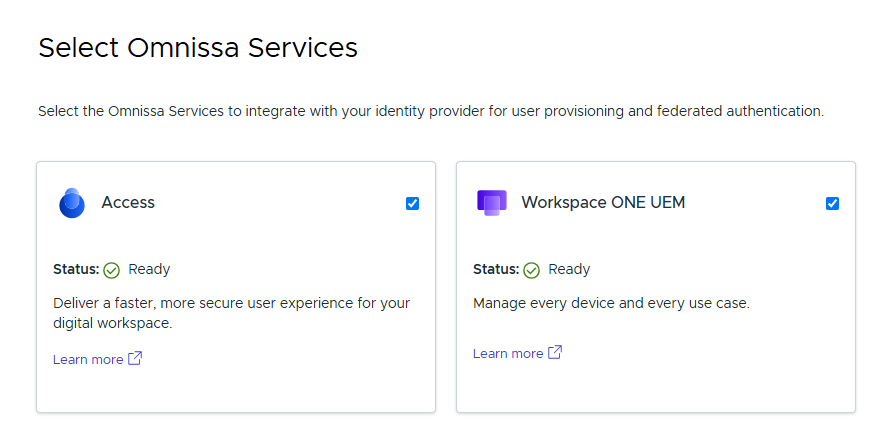
Select the services.
Only the services that meet the requirements for Omnissa Identity Service appear on the page.
-
Click Save.
Caution: After you select a service and save your selection, you cannot deselect it. You must contact Support to make any changes.
When you provision users and groups from the third-party identity provider, they will appear in the services that you selected.
Was this page helpful?