Configure multiple instances of Directory Sync for automatic failover in case a node fails to sync.
Perform the steps that follow to configure multiple instances of the Directory Sync service.
Procedure
-
Log in to the Omnissa Access console.
-
Click the Integrations tab, then click Directories.
-
Click the directory for which you would like to add another Directory Sync service.
-
Click Sync Settings.
-
Click Sync Service.
-
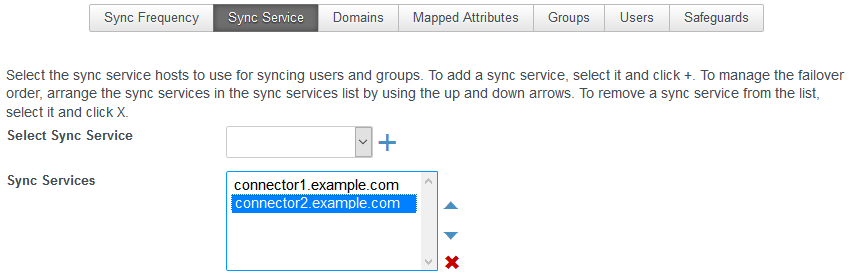
Use the Select Sync Service drop-down menu to select other Directory Sync service instances to add to the Sync Services list and use the arrows to manage the failover order.
-
Click Save.
Was this page helpful?