Note: Horizon Web Client is available with Horizon 8 versions 2412 and later. For Horizon 8 versions 2406 and earlier, Horizon Web Client is called "HTML Access." This documentation page uses the name "Horizon Web Client" to refer to both Horizon Web Client and HTML Access.
The Horizon User Web Portal for Omnissa Horizon Cloud, also known as the Horizon portal, serves as the initial point of entry for client users to access their Horizon Cloud desktop and application resources.
To launch the Horizon portal, use a web browser on the client device to visit this address: https://cloud.omnissahorizon.com/
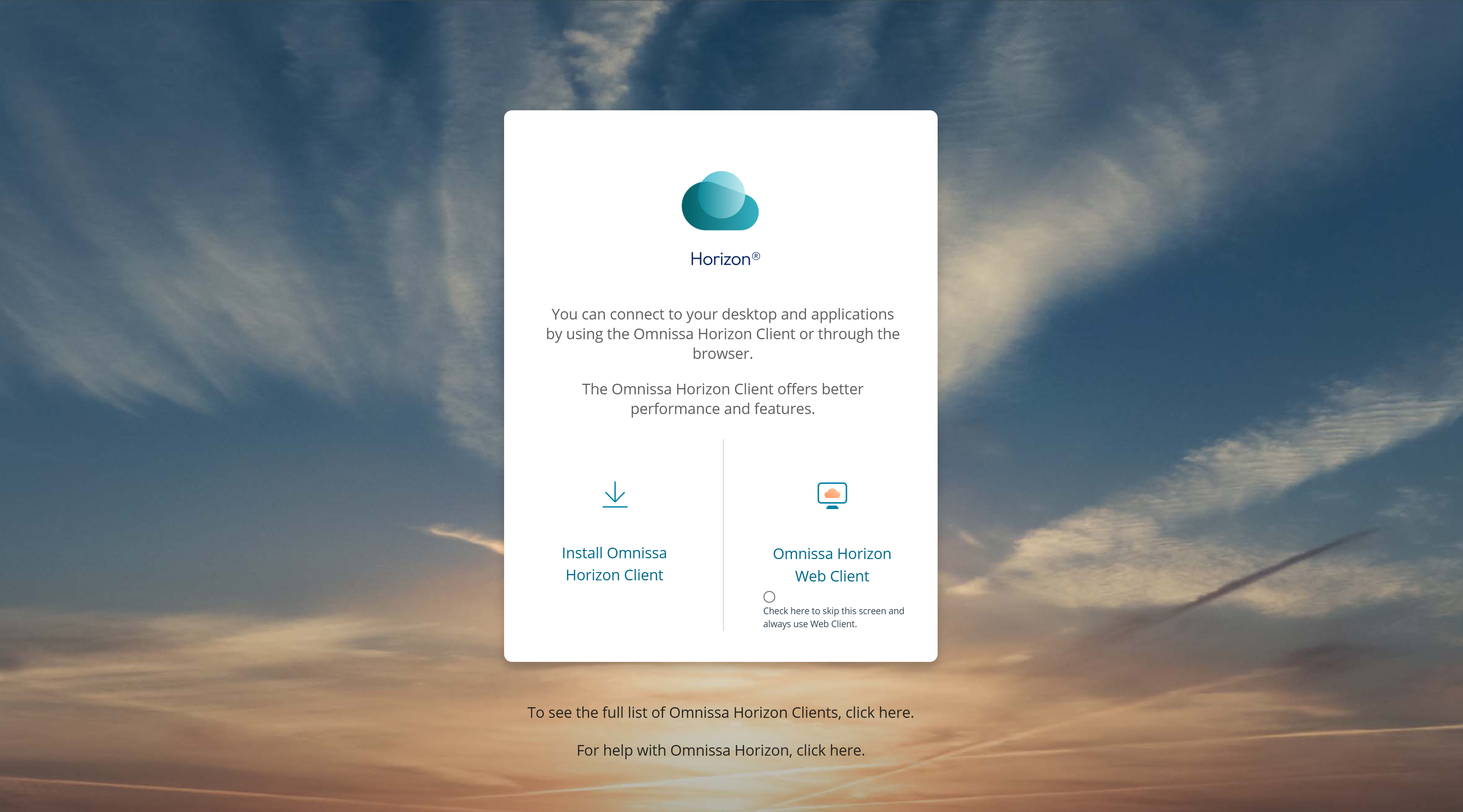
By default, the Horizon portal provides two selection tiles.
-
Install Omnissa Horizon Client (versions 2412 and later ) or Install Horizon Native Client (versions 2406 and earlier) allows users to download and install the native Horizon Client for their client device. They can then use Horizon Client to launch a desktop or application resource.
-
Omnissa Horizon Web Client (versions 2412 and later ) or Browser (versions 2406 and earlier) allows users to launch a desktop or application using Omnissa Horizon Web Client.
For more information, see Launch a Desktop with Horizon Client in the Horizon Cloud - next-gen documentation.
Was this page helpful?