You can import MSP (Motorola Services Platform) packages, which can be unpacked into proper files/actions for use in products.
PROCEDURE
-
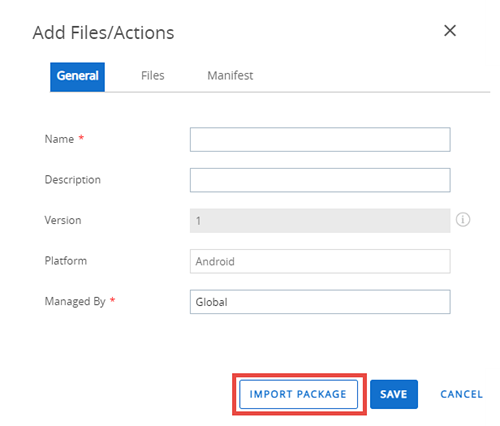
Navigate to Orchestration > Product Provisioning > Components > Files Actions and select the Add Files/Actions button.
-
Select the Platform you want to create a staging configuration for.
-
Select the Import Package button.
-
Select Upload to add an APF file.
Once the file is uploaded, the required text boxes are auto-completed.
-
Select Save.
Was this page helpful?