During testing or troubleshooting of the Omnissa Access service , the logs can give feedback about the activity and performance of the virtual appliance, as well as information about any problems that occur.
Collect the logs from each appliance in your environment.
Procedure
-
Log in to the Omnissa Access console.
-
Select Monitor > Resiliency.
-
Click VA Configuration of the service node you want to configure and log in with the admin user password.
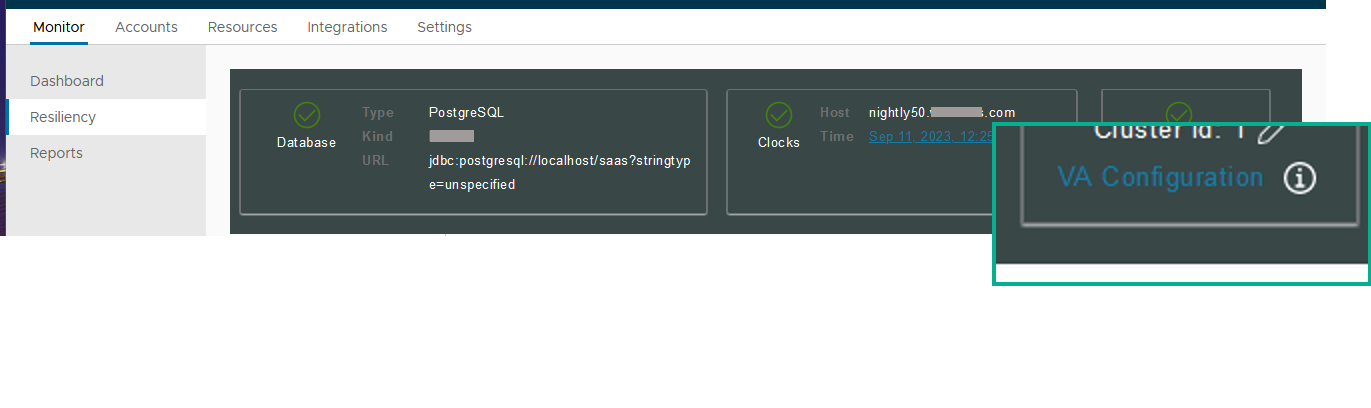
-
Click Log File Locations and click Prepare log bundle.
The information is collected into a tar.gz file that can be downloaded.
-
Download the prepared bundle.
What to do next
To collect all logs, run the procedure on each appliance.
Related information
Was this page helpful?