When you no longer want to include users and groups in the Omnissa Access service that belong to a specific Active Directory or LDAP directory, you can delete the corresponding Omnissa Access directory. Deleting a directory also deletes all its users and groups from the Omnissa Access service.
Procedure
-
In the Omnissa Access console, select Integrations > Directories.
-
Click the directory you want to delete.
-
On the directory page, click Delete.
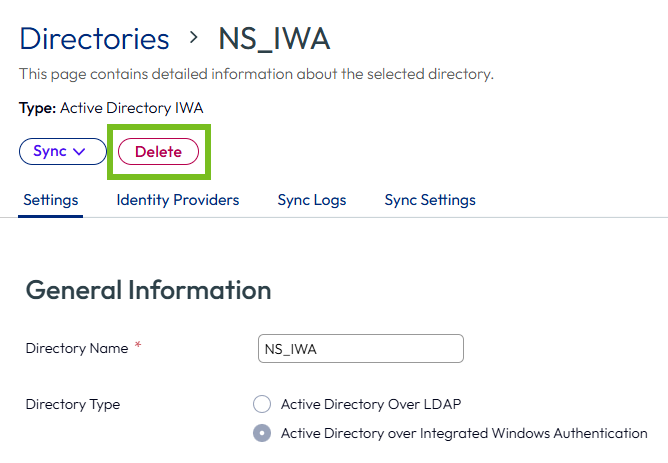
The confirmation dialog displays the number of users and groups that will be deleted. To proceed, click Delete.
Results
The directory is deleted from the Omnissa Access service and no longer appears on the Directories page. All the users and groups that were part of the directory are deleted. Identity providers and authentication methods associated with the directory are also deleted.
Was this page helpful?