After you have finished deploying a tenant, you can provision the tenant in the Administration Console.
Procedure
-
On the Tenants tab in Service Center, click Edit next to the tenant and click the Show Info button to display the default local login credentials. Make a note of these credentials.
-
In your browser, navigate to the tenant appliance’s floating IP address (
https://10.1.1.12/admin) and log in with the local credentials shown in Service Center.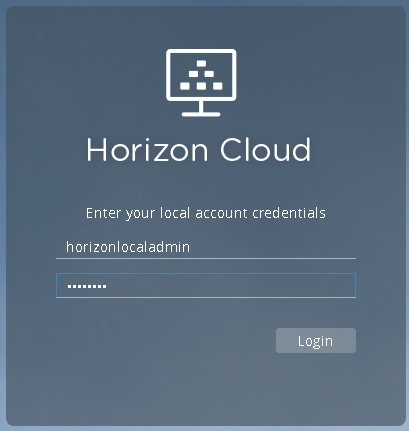
-
Update the password and continue to the next screen.
-
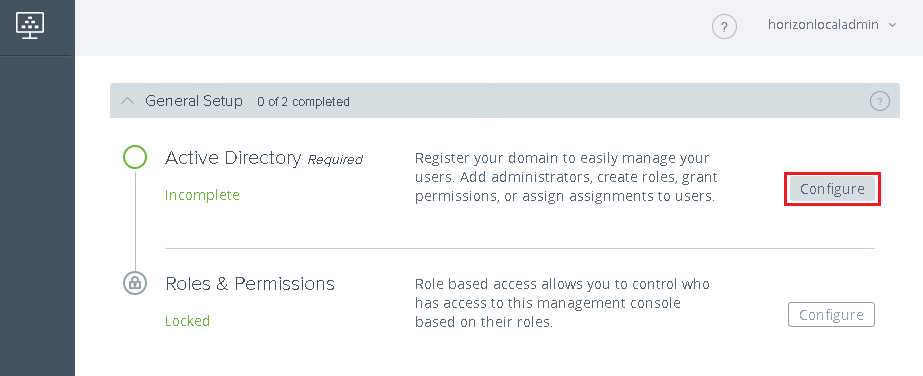
Configure Active Directory.
-
Click Configure next to Active Directory in the Getting Started wizard.
-
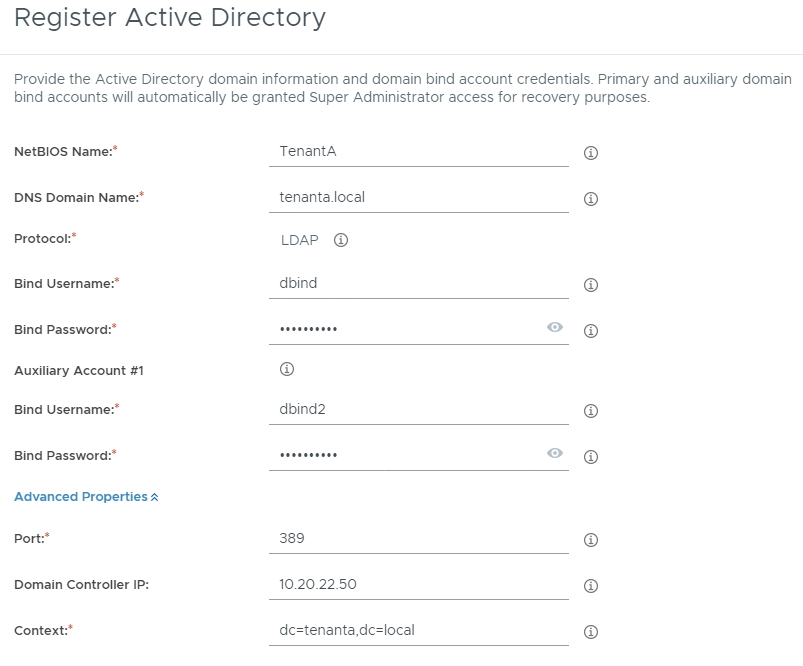
Enter the domain bind info based on the Tenant Installation Worksheet, and then click Domain Bind.
-
Enter the domain join info based on the Tenant Installation Worksheet, and then click Save.
-
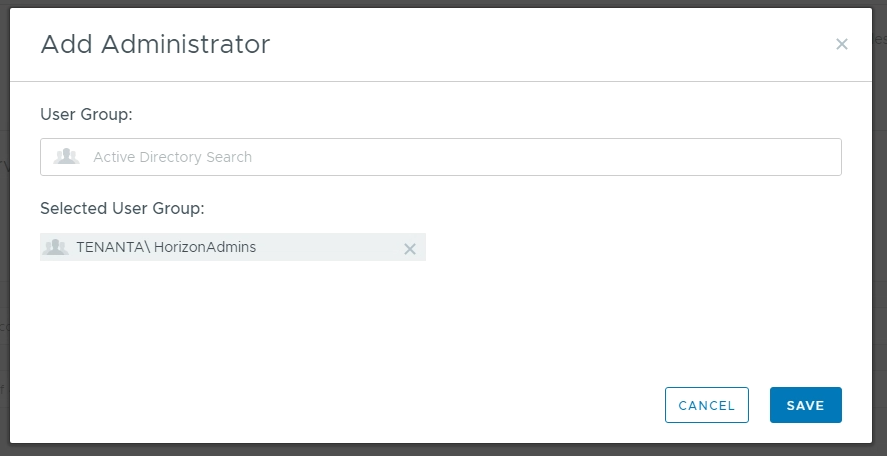
Enter administrator group information and click Save.
-
-
Log in with Domain Admin credentials.
What to do next
After you have finished provisioning the new tenant, you must set up Unified Access Gateway (UAG). See Install Unified Access Gateway.
Was this page helpful?