Use the Horizon Partner Admin Console Monitor > Troubleshooting page to monitor the end user connectivity status of your tenant users and address any connectivity issues across your Horizon Cloud tenants.
Note: The Horizon Partner Admin Console is currently available in Limited Availability (LA) mode only.
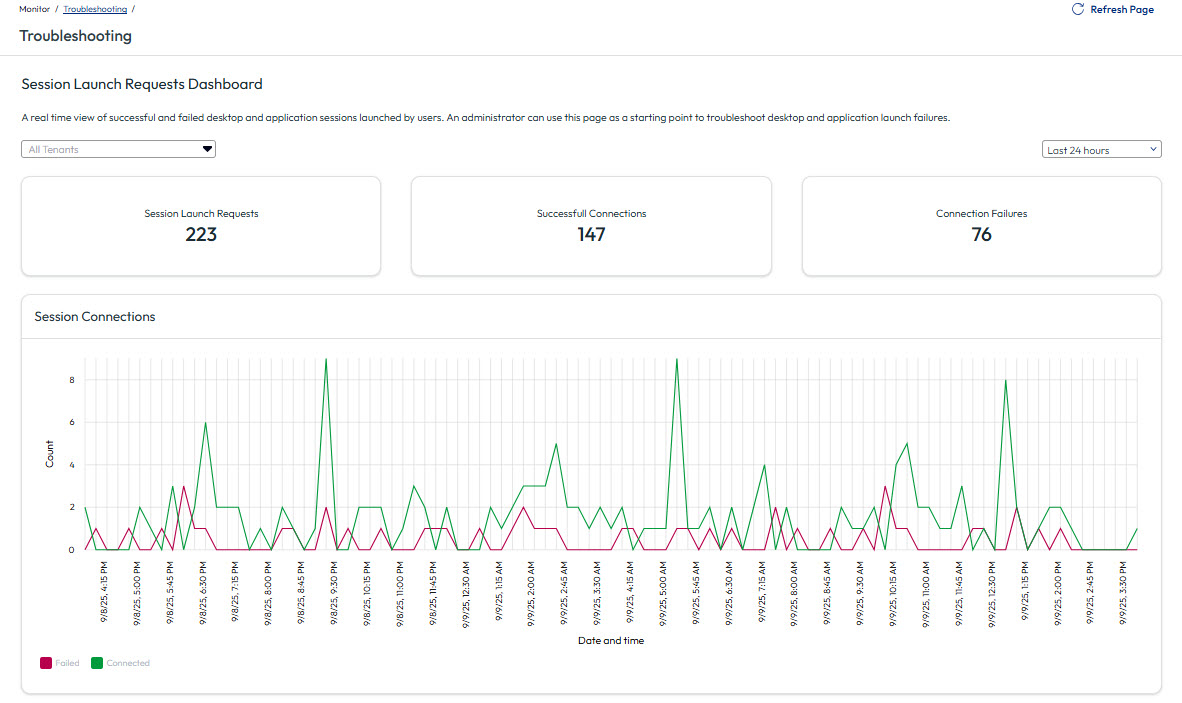
The Troubleshooting page helps you to recognize and address issues with tenant desktop and application launch successes and failures.
Explore the Monitoring > Troubleshooting page in the Partner Admin Console to view session launch requests and determine their connection status.
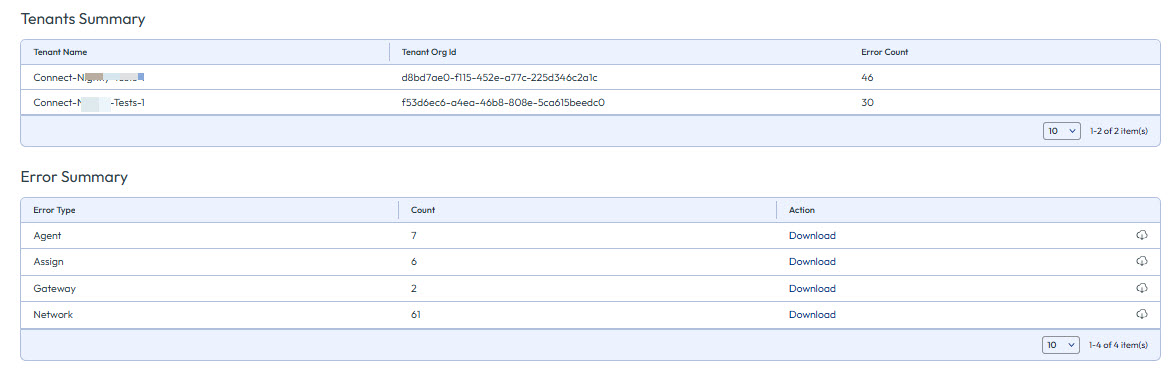
A tenant summary and error summary is shown at the bottom of the page.
Was this page helpful?