Problem
You cannot authenticate into AD FS-federated applications using Omnissa Access as the identity provider.
Possibly one of the following:
- The federation between Omnissa Access and AD FS is configured incorrectly.
- The value or format provided in the claim issued by Omnissa Access does not match the value or format expected by AD FS.
- The RelayState parameter is not enabled, or the relying party identifier is not configured for the application.
Solution
-
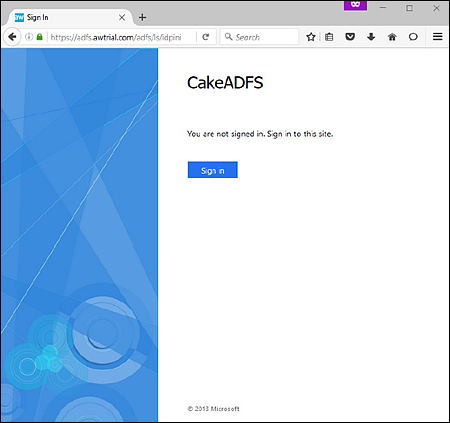
Attempt an IdP-initiated login into AD FS by navigating to: https://{ADFSdomain}/ADFS/ls/idpinitiatedsignon.aspx, where {ADFSdomain} is replaced with the fully qualified domain name of the AD FS server.
-
A successful IdP-initiated login indicates that trust and authentication endpoints have been configured correctly in both AD FS and Omnissa Access. Proceed to step 2.
-
If the IdP-initiated login fails, check and redo all the configuration procedures described in Integrating Omnissa Access as a Federated Identity Provider for AD FS.
-
-
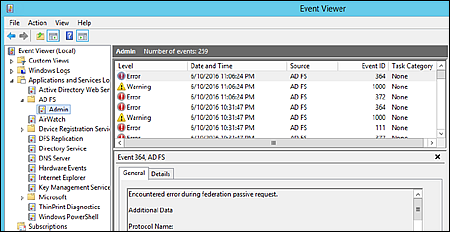
Check the AD FS Event Viewer log for authentication errors.
Most errors indicate a mismatch between the value or format provided by Omnissa Access and what is expected by the AD FS server. Check and redo the procedure described in Configure Claim Rules for the Claims Provider Trust.
Was this page helpful?