This product participates in the Customer Experience Improvement Program (“CEIP”). Details regarding the data collected through CEIP and the purposes for which it is used by the company are set forth at the Omnissa Trust Center at https://static.omnissa.com/uploads/explore-privacy.pdf. To join or leave the CEIP for this product, follow this procedure.
Note: If your network is configured to access the Internet through HTTP proxy, to send the data collected through CEIP to our company you must adjust the proxy settings in Omnissa Access. See Setting Proxy Server Settings in the Installing and Configuring Omnissa Access guide.
Procedure
-
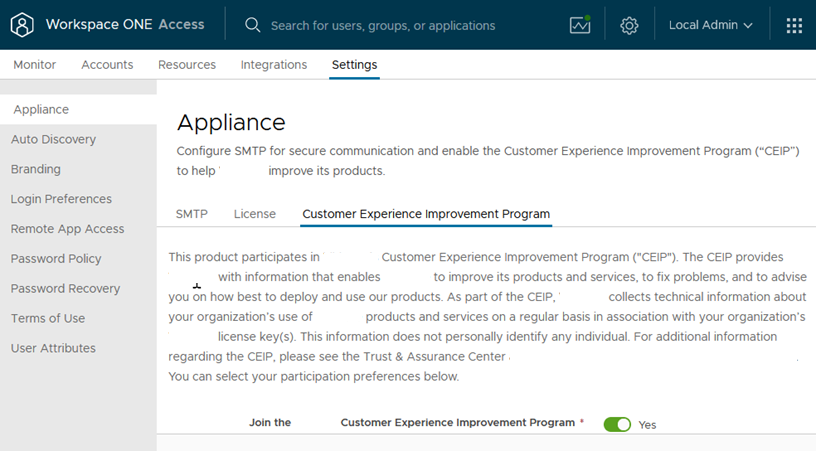
In the Omnissa Access console, click Settings > Appliance, then select Customer Experience Improvement Program.
-
Select the Join the Customer Experience Improvement Program check box to join the CEIP program or deselect the check box to leave the CEIP program.
-
Click Save.
Was this page helpful?