The first task for upgrading a tenant is running the Upgrade task in RunDeck.
Procedure
-
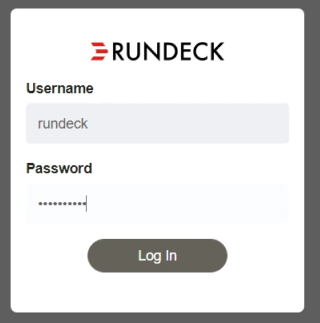
Log into the Horizon Version Manager portal.
-
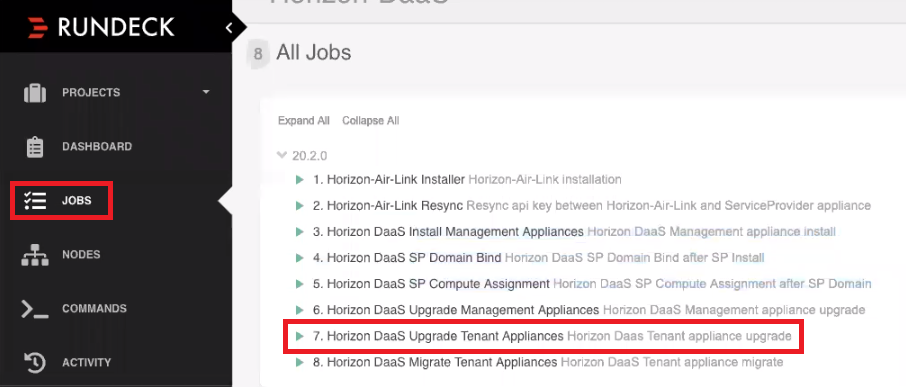
Click Jobs > Horizon DaaS Upgrade Tenant Appliances.
-
Fill out the information, then click Run Job Now.
Note: The value for Default-Template-Password is Desktone1 unless you have previously changed it.
-
Click the top left Log Output >> button and monitor upload status on the bottom left of the browser window.
Results
After the job has finished successfully, the following output displays in the log: 
What to do next
After the appliances have been staged, the next step is to migrate from the old appliances to the new appliances. See Run the Migrate Task.
Was this page helpful?