Limited Availability
Horizon 8 offers Nutanix integration with limited availability. For more details on the functionality available in this limited availability release, see Horizon 8 Support for Nutanix AHV Limited Availability.
If you are a current Omnissa customer and you would like to request access to this feature, contact your sales representative or partner. If you are not a current Omnissa customer and you would like to request access to this feature, contact getHorizon8NutanixLA@omnissa.com.Add one or more domain accounts that have the right to create computer accounts in the required domain(s).
-
Go to Settings > Domains.
-
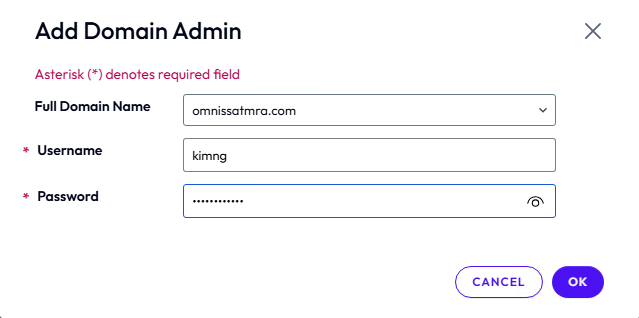
Under Domain Accounts, click Add.
-
Enter a domain admin credential (Username and Password).
-
Click OK to save.
Was this page helpful?