Limited Availability
Horizon 8 offers Nutanix integration with limited availability. For more details on the functionality available in this limited availability release, see Horizon 8 Support for Nutanix AHV Limited Availability.
If you are a current Omnissa customer and you would like to request access to this feature, contact your sales representative or partner. If you are not a current Omnissa customer and you would like to request access to this feature, contact getHorizon8NutanixLA@omnissa.com.A compute profile defines the virtual hardware specification for the VMs created by a Horizon automated pool. These can be defined upfront, or added during the pool creation workflow.
-
Go to Settings > Capacity Provider Settings > Compute Profiles.
-
Click Add.
-
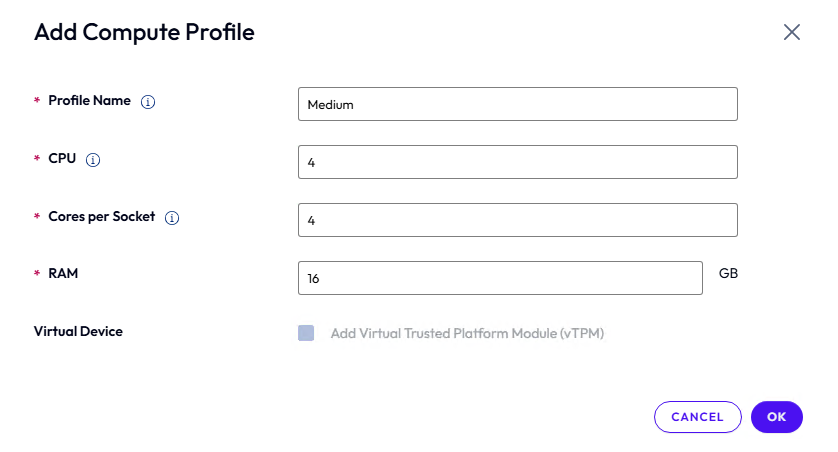
Define a compute profile.
-
Name
-
vCPU, Cores per Socket, RAM, and and whether vTPM should be added to each VM.
-
-
Repeat as needed to create multiple profiles for different workloads.
Was this page helpful?