When you disconnect integrated Windows 365 from Horizon Cloud, you break the association between the Windows 365 VMs and the Horizon agent. The VMs are not deleted, but their management reverts back to the standard Microsoft administration and user experience. The previously entitled users and groups are automatically unentitled in the Horizon Cloud and the associated Horizon Edge, provider, and pool are dissociated from the now off-boarded Microsoft Azure VMs.
Procedure
-
From the Horizon Universal Console, click Integrations > Windows 365 > Disconnect.
-
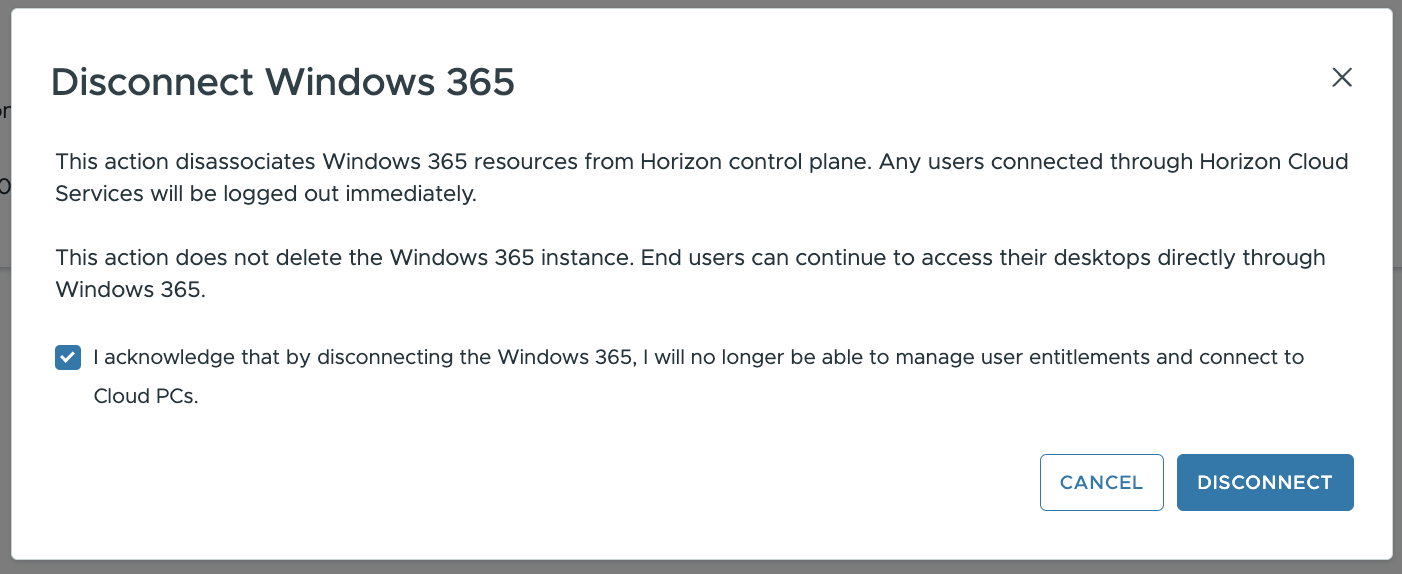
When prompted, review the on-screen help, check the Acknowledgment check box and then click Disconnect.
Was this page helpful?