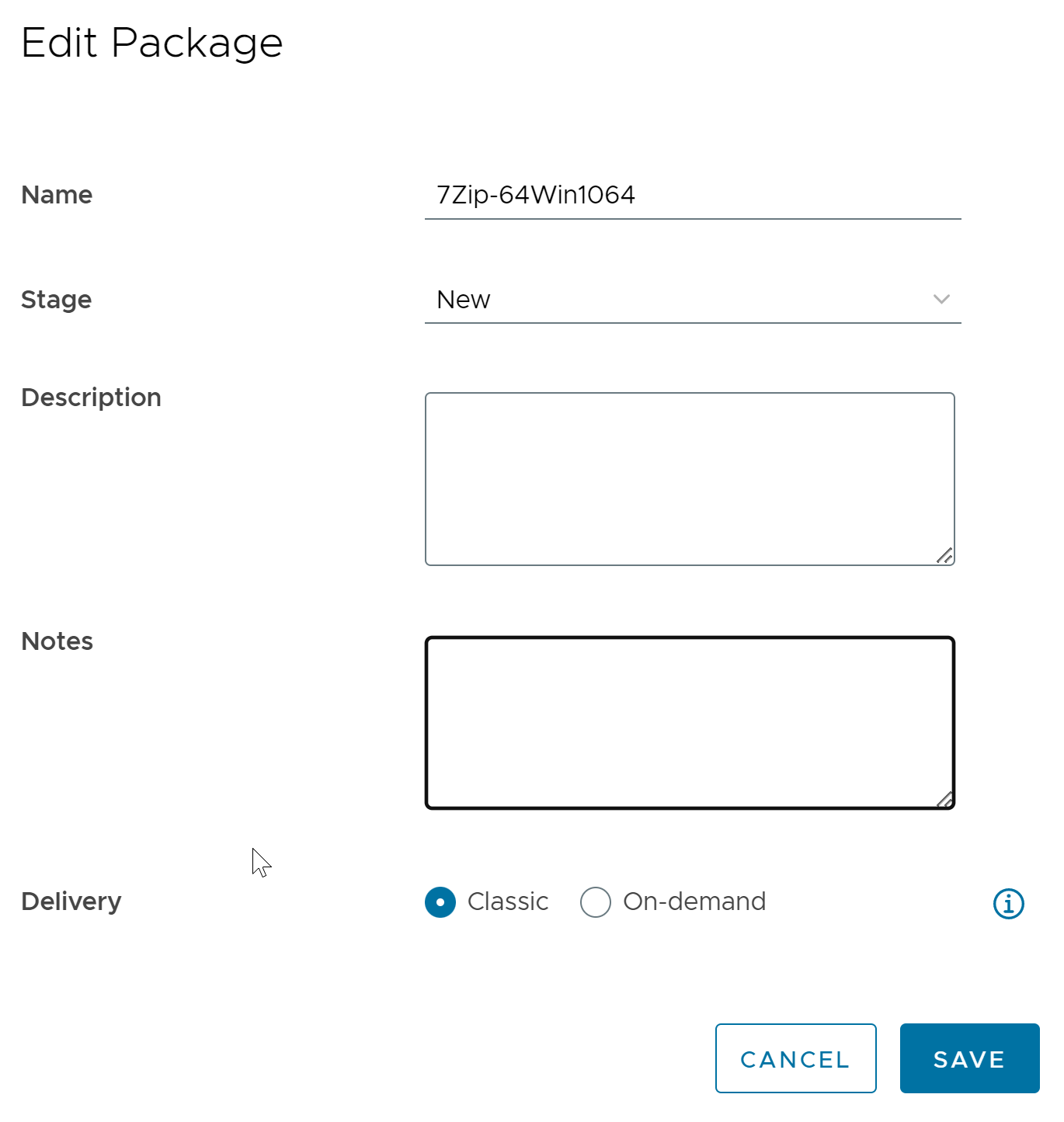
To change the properties such as name, description, and delivery mode of a package, you can edit the package using the Edit Package functionality.
Only a package in the Ready status has the Notes field.
When editing a package, Notes field is used to display the notes that are added in the packaging virtual machine. The information added in this text field overwrites any information present in this field before application capture. Modifying this text field in App Volumes Manager only updates the metadata and does not update the original package virtual disk file or the JSON file of the package.
Procedure
-
In the Horizon Universal Console, navigate to Desktop and App Catalog > App Volumes.
-
Click View Packages.
-
Select the package you want to edit.
-
Click the ellipsis button (...) and click Edit.
-
In the Edit Package window, edit the desired properties.
-
Click Save.
Package is edited.
Was this page helpful?