To use LDAPS with Horizon Cloud, you must upload PEM-encoded root and intermediate CA certificates, which you can later manage with the Horizon Universal Console on the Certificates page.
You can upload PEM-encoded root and intermediate CA certificates when you configure your Active Directory domain. Such certificates are available on the Certificates page, which is accessible by clicking Integrations in the left pane and then in the Identity & Access tile, clicking Manage.
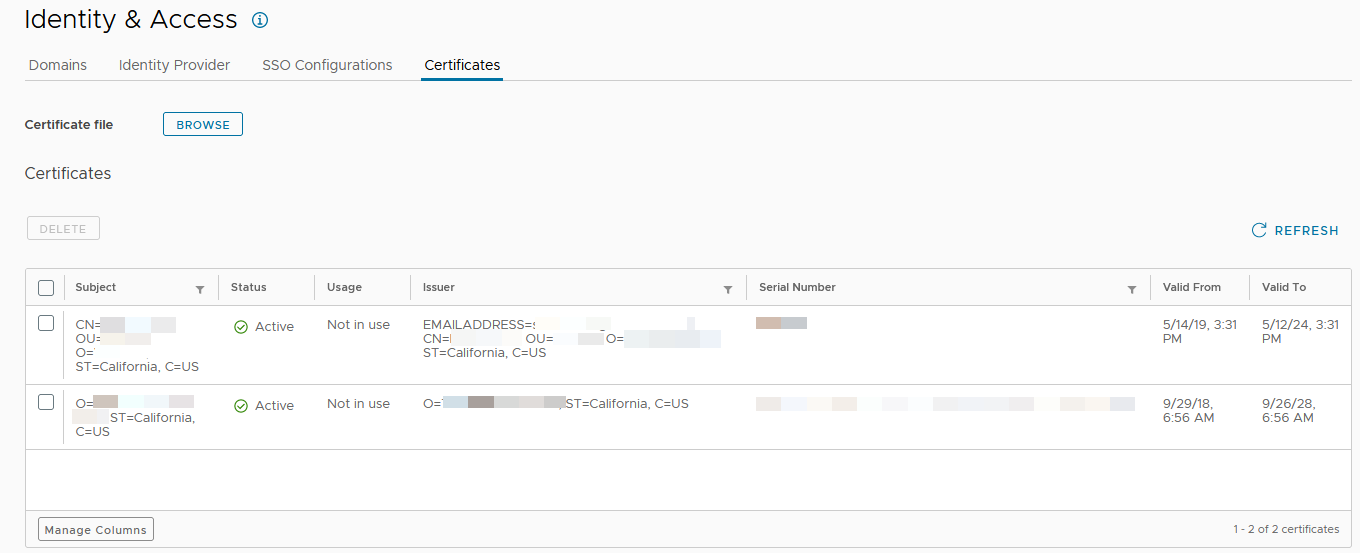
You can take the following actions on the Certificates page.
-
Delete existing certificates.
-
Add certificates.
To add certificates, click Browse, select the PEM-encoded file with the certificates on your system to upload, and, back on the Certificates page, click Upload.
-
Search through existing certificates using the column filters.
Note: Use the Status column to determine if certificates are expiring soon or already expired, and if you should upload new certificates or delete older certificates.
- Active - The certificate is valid and not expiring soon.
- Expiring - The certificate is expiring within 30 days.
- Expired - The certificate is expired.
Was this page helpful?