When creating an entitlement for the newly selected application package can either be an update to an existing entitlement or a new entitlement. If the newly selected application package is the same as the existing one, then there is no change in entitlement for the user or user group.
Entitlement Scenarios
-
Update
The selected package replaces the user's or user group's existing entitlement. Hence, the entitlement is considered as an update to the existing one.
In the following image, orititan5.prod.int is a user entitled with
Current (Testpackage_April27). WhenTestPackage_April27is selected, this entitlement replaces theCurrent (Testpackage_April27). Hence, this scenario is considered as an update.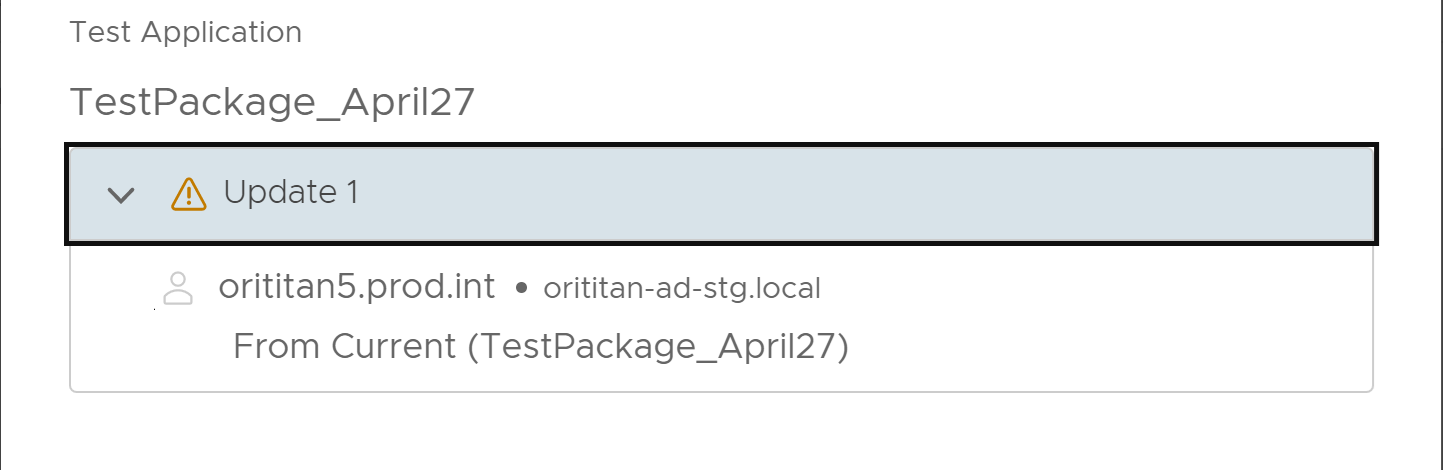
-
New (Entitle)
The selected package is a new entitlement to the user or user group.
In the following image,
Current (7Zip-64Win1064)is a new entitlement to the user, orititan5.prod.int.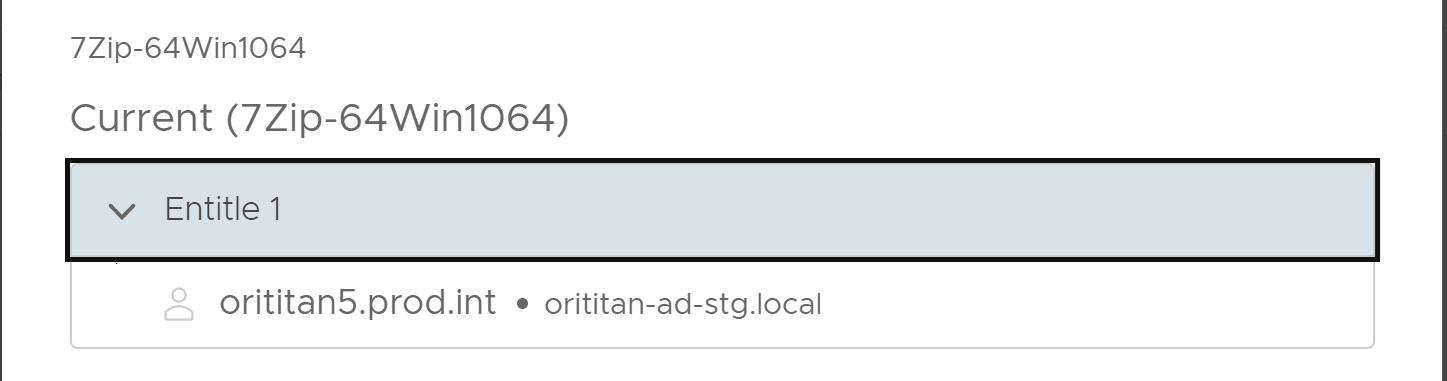
-
No Change
The selected package is already entitled to the user or user group, hence there is no change to the entitlement.
In the following image,
Current (7Zip-64Win1064)is once again selected for the entitlement, but the user, orititan5.prod.int, is already entitled with the same package. Hence, there is no change in the entitlement.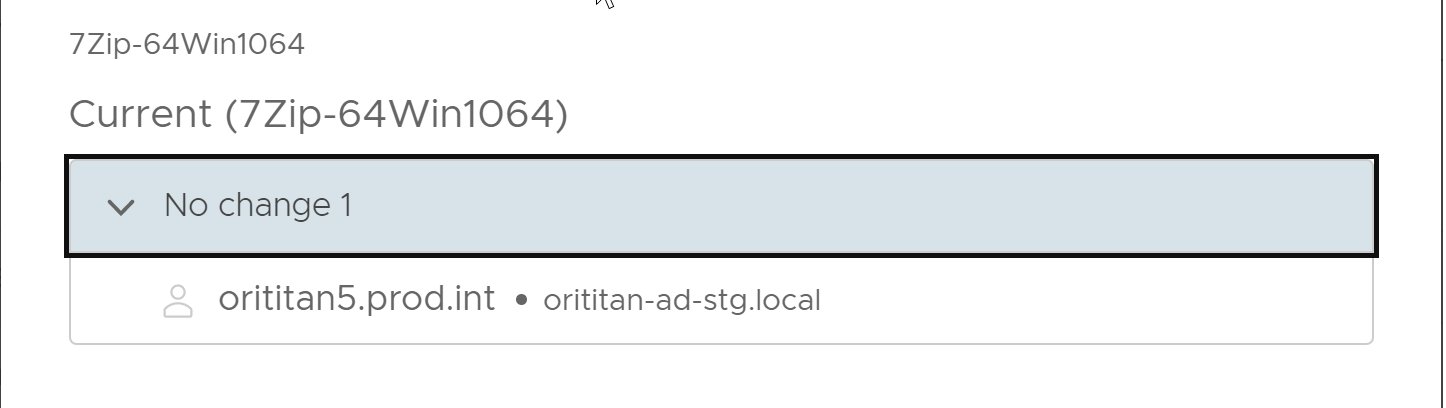
Was this page helpful?