You can create a new version of an existing package by updating the existing package. Existing package is the template or acts as the base package for the new version of the package.
In the following screenshot, 7zip_update1 is the updated package and 7Zip-64Win1064.vhd is the template, which is the file name of the existing package.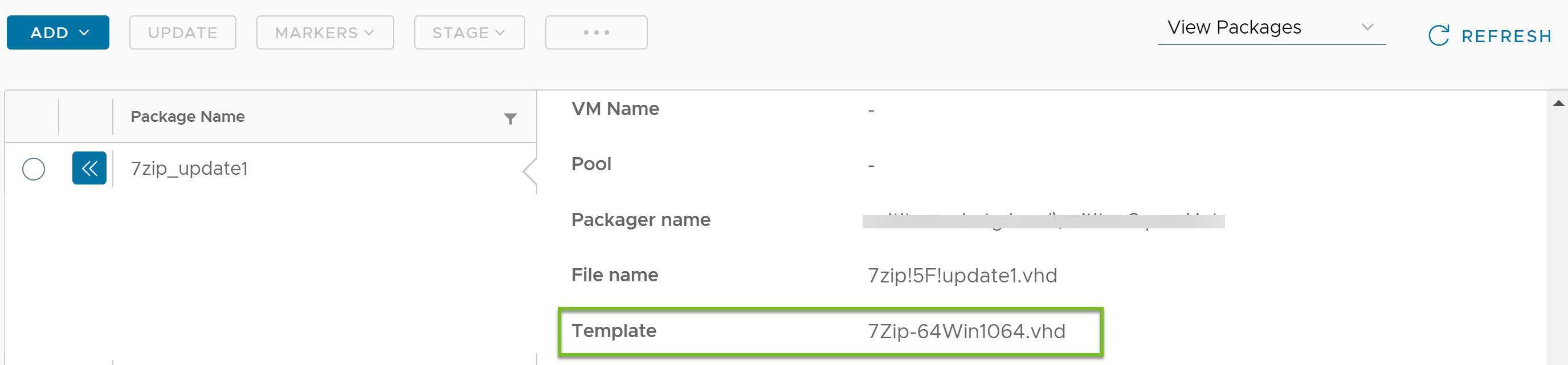
In the following screenshot, 7Zip-64Win1064 is the existing package and the file name is 7Zip-64Win1064.vhd.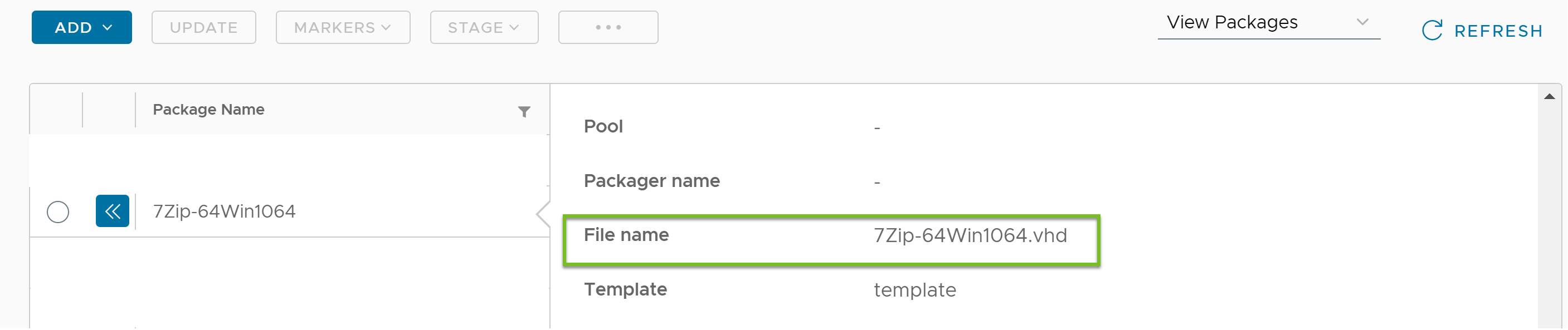
Prerequisites
Ensure that the package you want to update has completed the packaging process and the status of the package is Ready.
Procedure
-
In the Horizon Universal Console, navigate to Desktop and App Catalog > App Volumes.
-
Click View Packages.
-
Select the package you want to update.
-
Click UPDATE.
-
In the Update Package window, add the required information.
-
Click Save.
Results
The updated package is displayed in the list of packages.
Was this page helpful?