Templates that you create in the Hub Services Console are listed on the Templates page in a prioritized order with the highest priority listed first. This priority determines which template is applied when users or devices are assigned to multiple templates.
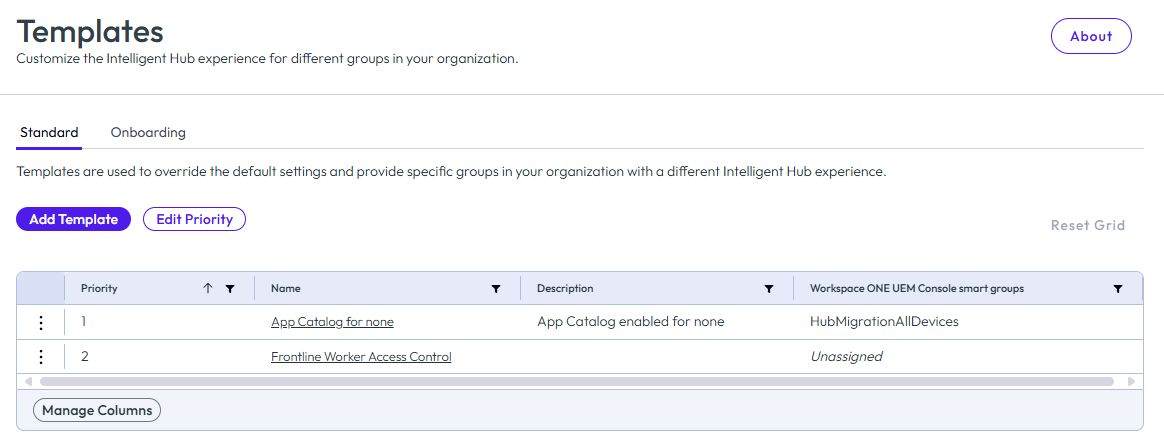
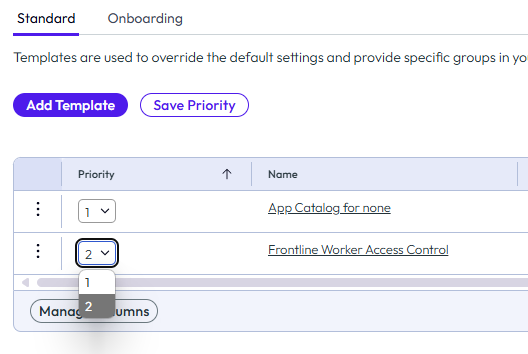
On the Templates page, you can add templates and change the priority. To change priorities, ensure that the Priority filters are deselected by clicking on the Priority column header until the Edit Priority button becomes active. Then click Edit Priority.
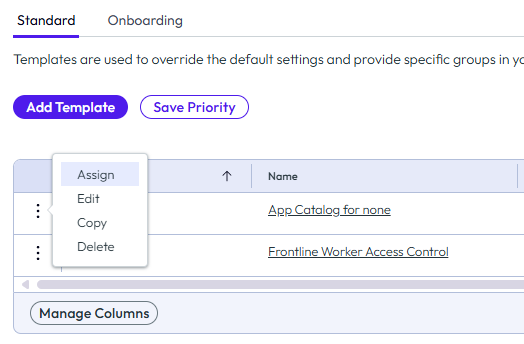
You can assign groups to the template. You can edit, copy, and delete templates. When you copy a template, the assigned groups are not copied to the new template.
Was this page helpful?